Adrian Binney, EPSA, LRPS

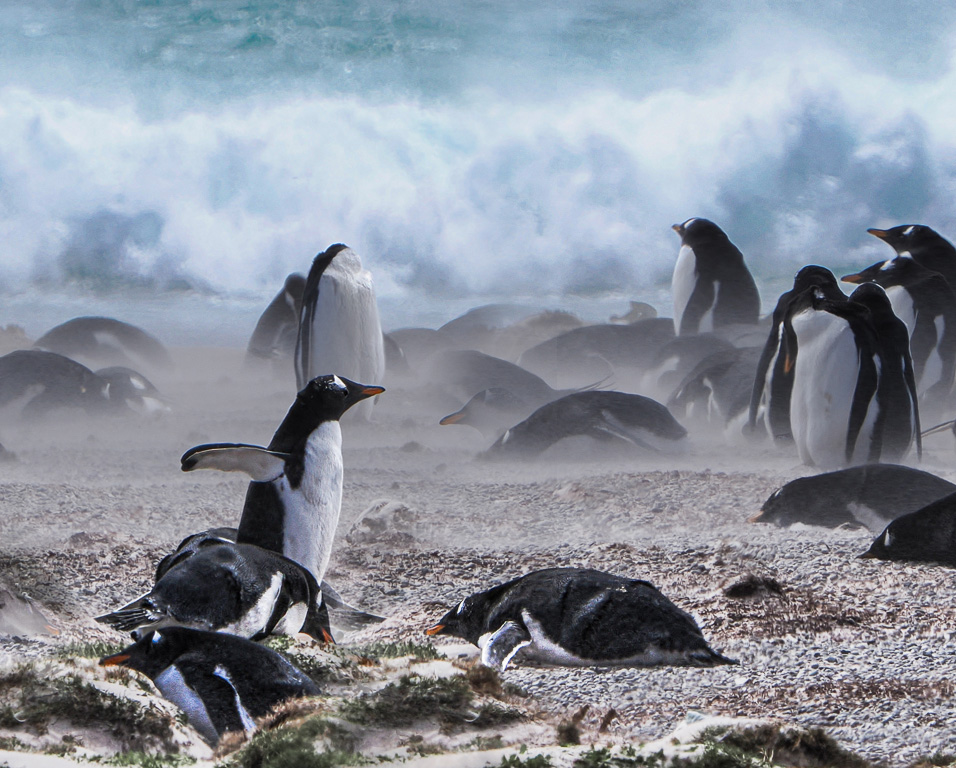
August 2026 - Gentoo Penguins In Heavy Seas
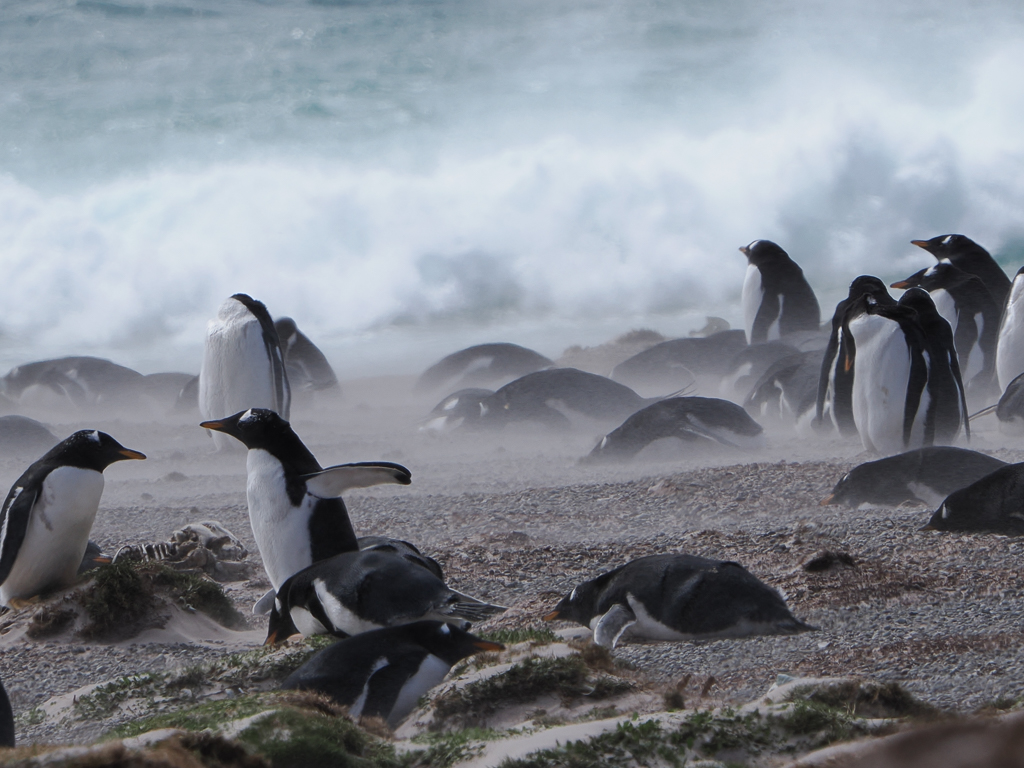
Original
About the Image(s)
I explained in April that we visited the Falklands islands in February this year - my picture was of a King Penguin family - I though I would send an image of Gentoo penguins this time - and one showing their habitat. These are younger ones waiting for their parents to return with food: they are close to fending for themselves but are not quite ready. They were huddled right by the waves, to save time and effort for the adults in going further inland. This area was roped off to keep us away as protection against avian flu which had affected the colony a few months earlier. We had walked through a boot bath as we left our 4x4s. I tried to time shots looking at both the wave conditions and for sign of activity of the penguins - those with dramatic waves inevitably had them sleeping! I chose this one as a compromise and tried to work on the foreground penguins to make them clear, while leaving the spray visible and masking the ones by the sea.
Settings - Olympus wildlife gear at 360mm (FF 720) using 1/640, f10 ISO200 after - 2/3 stop exposure compensation.
8 comments posted
I like most of what you've done in the processing, especially the waves and water. But I think there's too much contrast in the rocks and sand and vegetation in the foreground- it looks "crunchy" and is catching my attention. I like the softer, more muted foreground in the original. It would take some effort but I think with new masking tools you could keep the contrast in the birds but not have so much in the ground. Posted: 08/16/2026 18:30:49
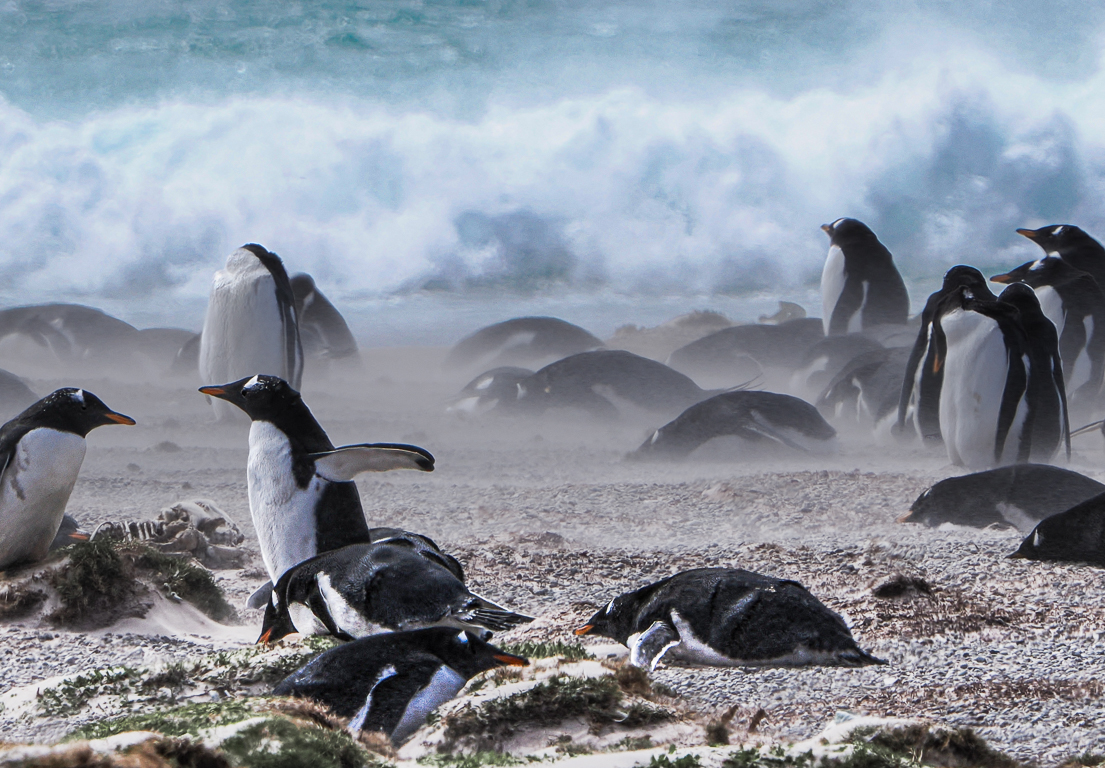
Yes, I agree that having a clear foreground is helpful to draw you in to the picture.
Posted: 08/20/2026 00:33:30
I like this image because of the misty spray from the waves covering the penguins, as well as the action moment of that couple while the others are resting and waiting for the adults to return.
At the same time, I feel that the interaction between these two penguins is the main point of interest in the image, but the composition isn't framed in a way that makes them the stars. So, I took the liberty of bringing the image into Photoshop and playing around with it, resulting in another composition that appeals more to me.
I hope you don't mind that I played with your image a little! Posted: 08/24/2026 20:46:42