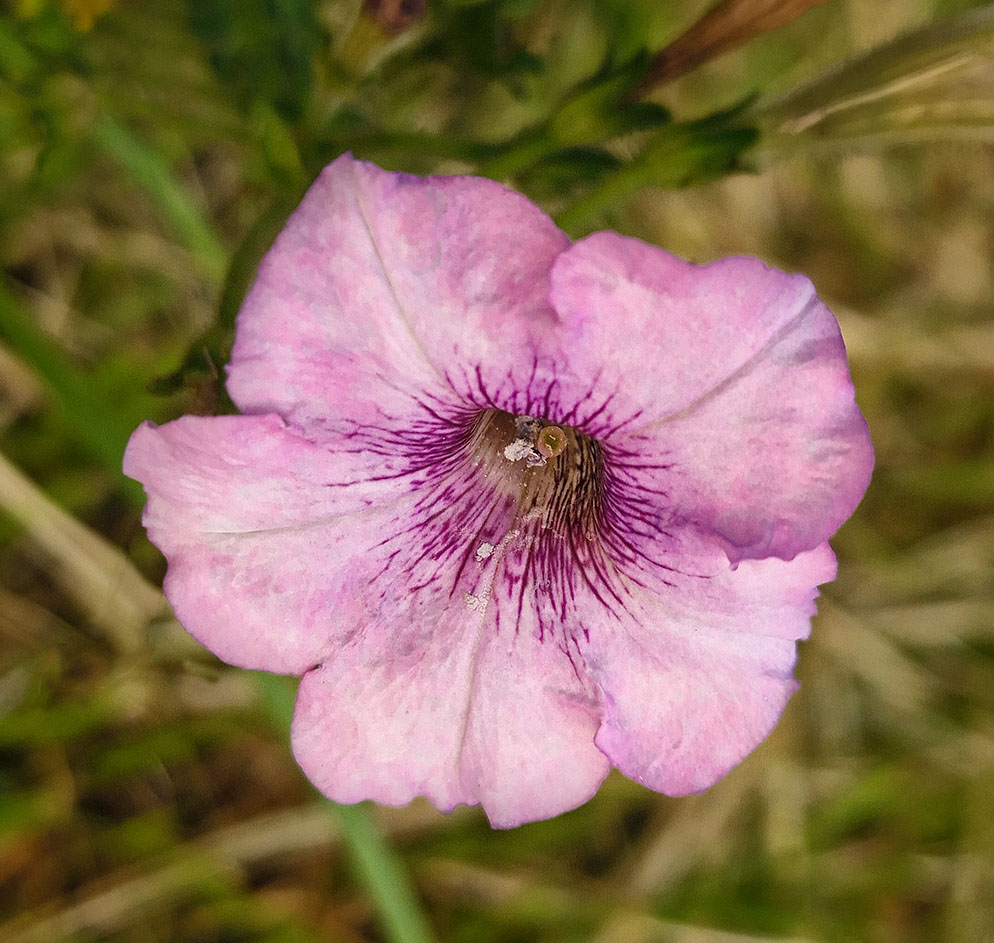
Syed Shakhawat Kamal, APSA, PPSA
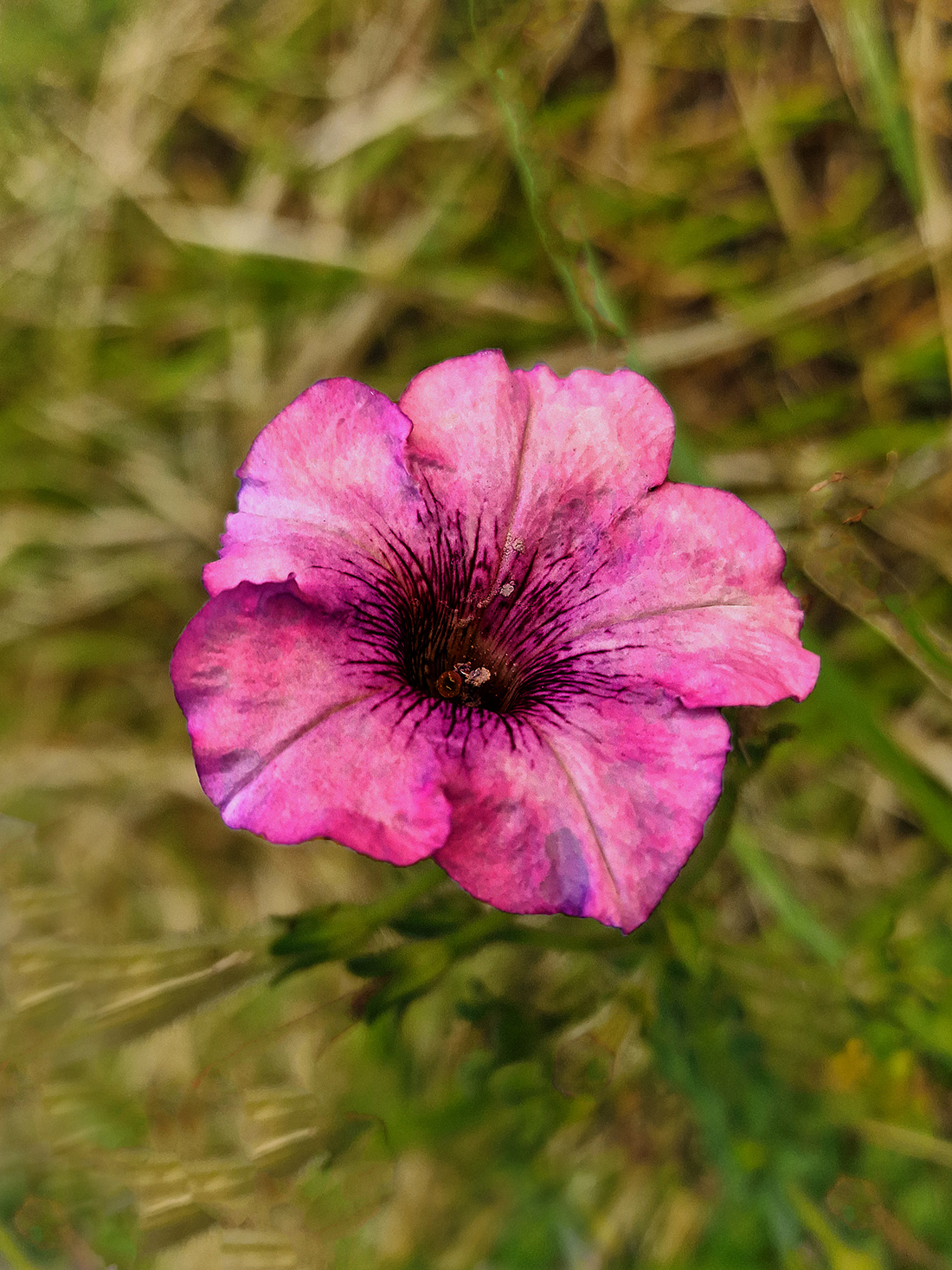
April 2026 - "Floral 119 - AKA Petunia"
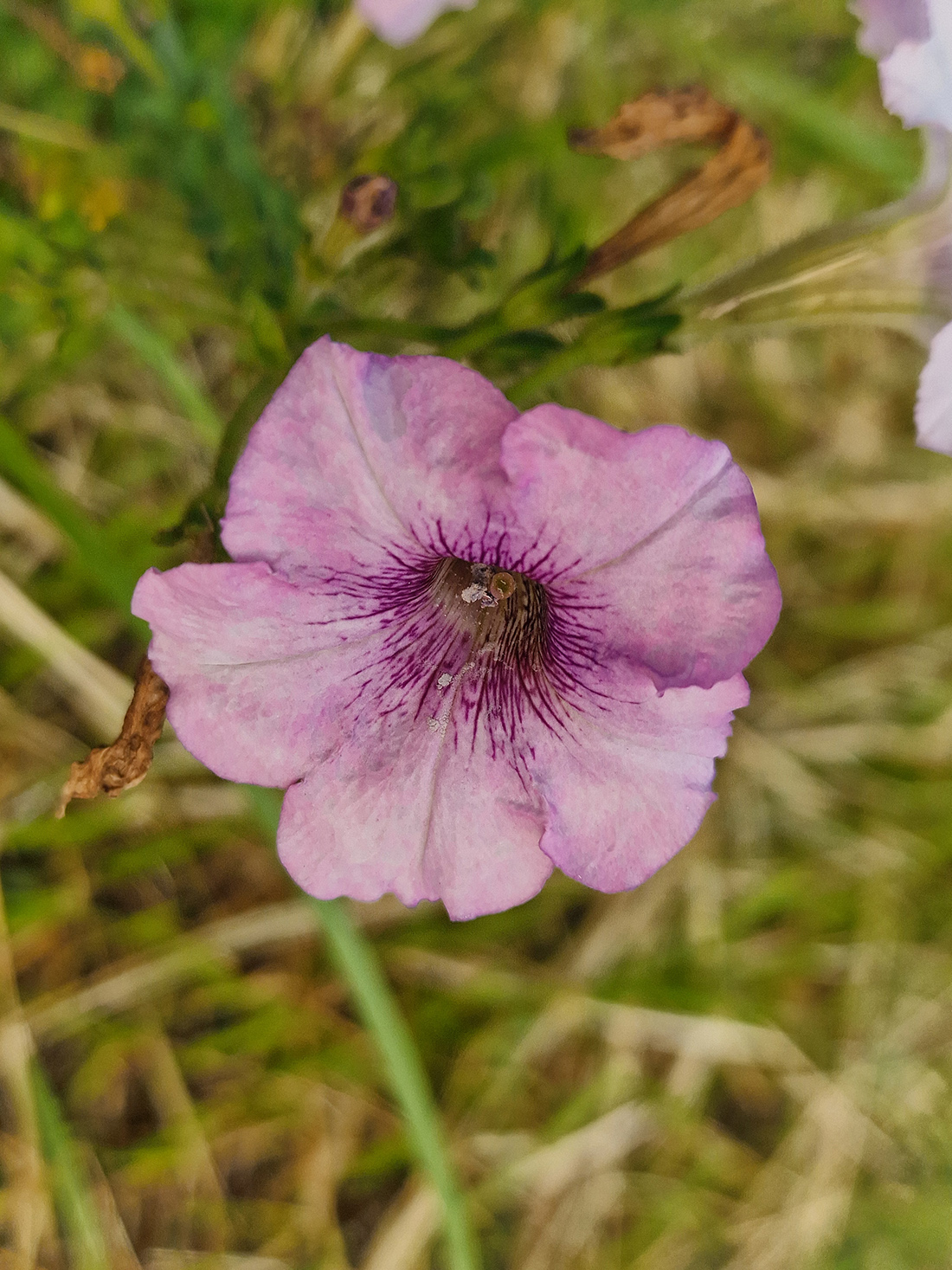
Original
About the Image(s)
This " Floral 119 - AKA Petunia ", the subject also known as " Petunia flower" was again shot at the farm house of "ASTRAS" yesterday on 29th March 2025 in Bangladesh; I visited my regular destination at Pabna and took this opportunity to shoot the flowers from the amazing gardens. The whole gardens were filled with colorful flowers including Dahlia, Petunia etc etc.
I used my Samsung S 23 camera for the images (It was early morning and I shot hand held ). With no flash, I captured the image. I used Photoshop CS6 for editing and post processing (to crop, discard & slight light correction) out of the original image before submission.
I hope you enjoy the image and kindly give me your feedback on it.
4 comments posted
I'm not sure what you did with the final but it appears to be inverted from the original. I like the position of the original better. Also I find the coloring of the final to be rather strong. The original has such a nice delicate pale color and the center is quite detailed. That seems to be lost in the final. I also feel the background could be blurred out more and perhaps cropped? Posted: 04/04/2026 15:49:38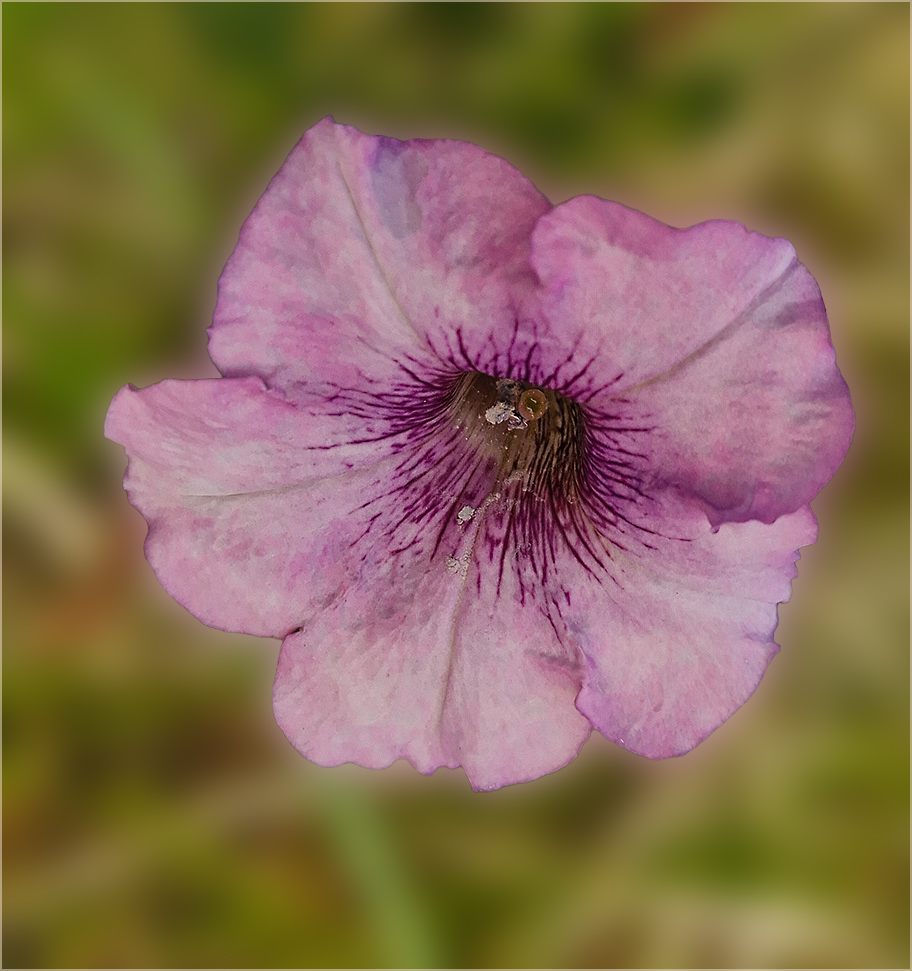
Kamal, another very nice flower with out of focus background. Perhaps you were short of time, but I find the grayish flower parts or whatever to detract from the composition. Maybe the eraser tool can remove them. Also at about 11 o'clock there is a shade or tonal difference that looks unnatural to me. Posted: 04/13/2026 03:57:03
Kamal, the flower is interesting, but I find the original to be soft and slightly out of focus making your post processing job hard. You did a good job of sharpening the center but I see no anchor for the flower which seems to be floating above the blurred background. Nice effort. Posted: 04/13/2026 17:42:29
Kamal, the original flower is delicate with a very subtle pale colour. Personally, I don't believe that it needs a lot of work to bring out its beauty. You might consider to first use the spot healing brush to remove the "bruise" on the top petal. This brush is very easy to use. You might lighten the flower a bit but not the background. You can do this by using the curve adjustment layer, inverse the layer mask and using the brush tool with the background colour on white. Use a light vignette to darken the background a little and do a tighter crop. This is an example of what I've done. Posted: 04/18/2026 11:31:22