Nadia Trevan
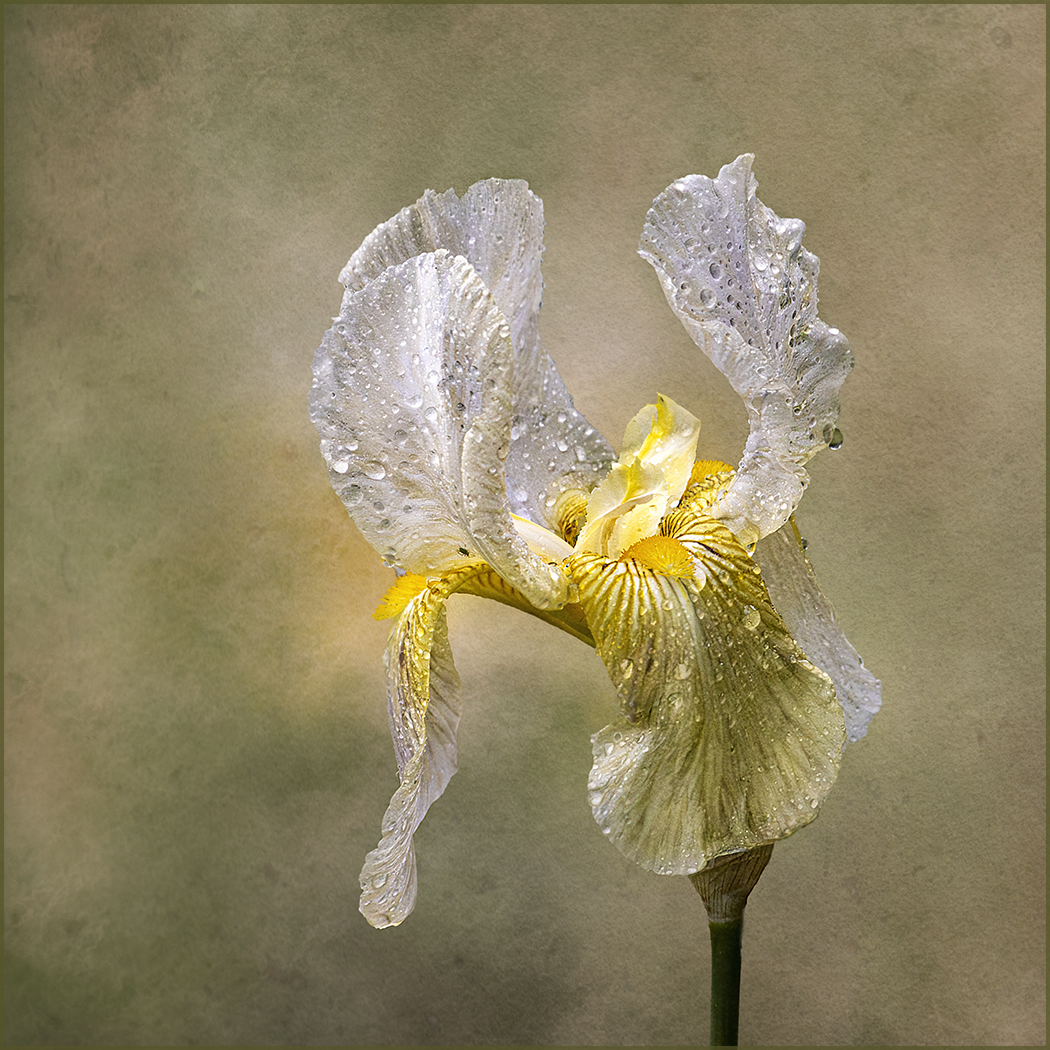
April 2026 - Yellow bearded iris
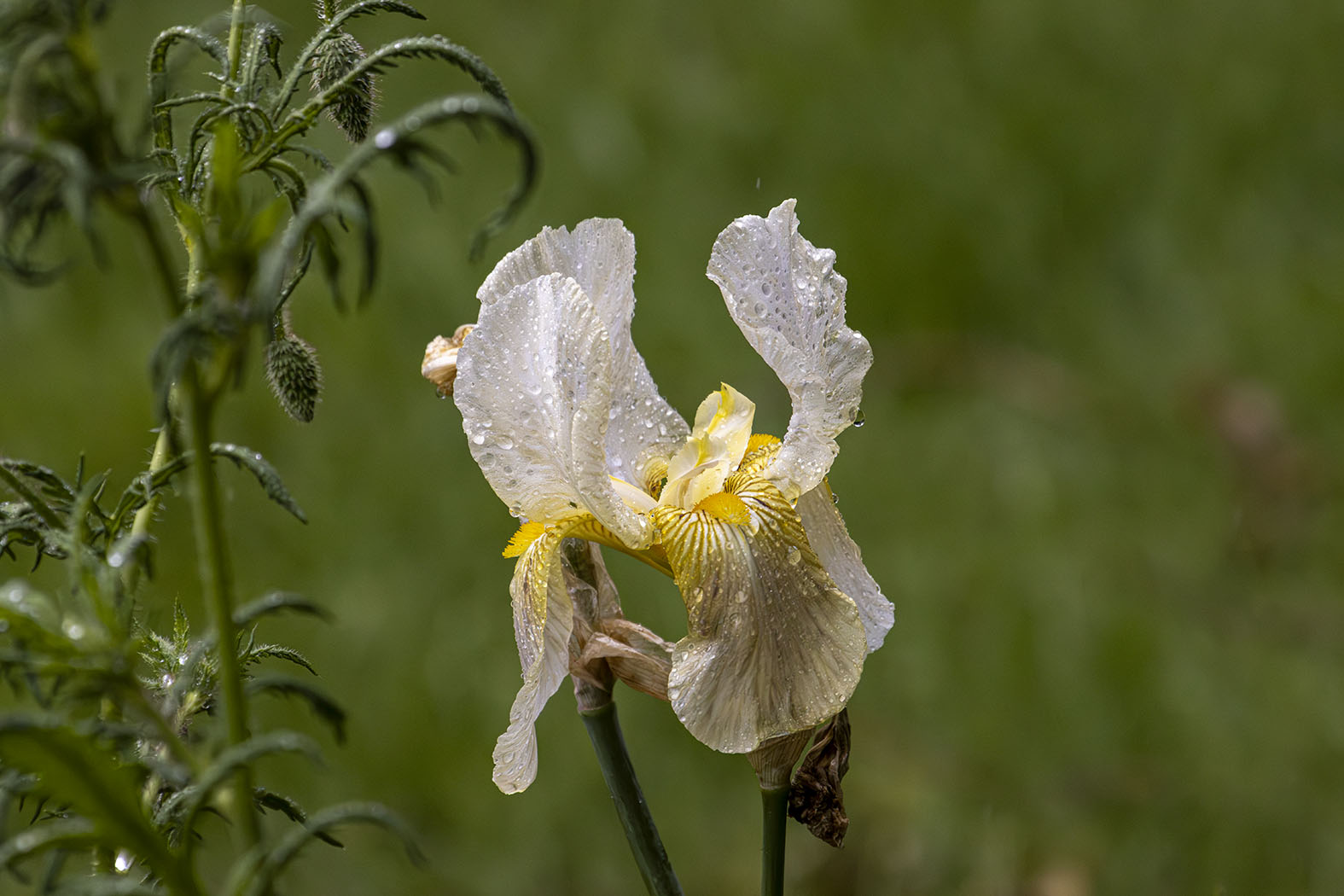
Original
About the Image(s)
Shot with Canon 90D, 100-400 mm lens, 1/1250 sec, f8, ISO 5000. After basic CR adjustments, went into photoshop, removed the background, then used empty layers using impression brushes to build the background by selecting the colours in the flower. Added a fine pattern to the background by adding a texture. Soften the background using Topaz studio 2 “dreamcloud” then overlayed another texture at the end, cropped, sharpened and added a border.
7 comments posted
Beautiful! I always admire your backgrounds. I'm wondering if the empty space on the left is needed. It does offset the flower from center though. Posted: 04/04/2026 15:30:22
Hi Marti, thanks for your feedback. I did do a tighter crop but it looked like it was "confined" in a narrower space. So, went back to the original crop. Personally, I think because the flower has "flowing" petals more space was needed. Posted: 04/05/2026 10:38:40
A beautiful Iris Nadia. The water drops add a special quality to the flower. Your background is fantastic as usual. Our Iris greens have just poked up from the cold soil. Posted: 04/07/2026 00:44:48
Thanks for your comments Bob, much appreciated. Mine are just dying down and ready for winter. Posted: 04/17/2026 11:12:39
Beautiful flower and nice background. The flower itself is super sharp. Interesting that the drops look like small craters on the upper right petals. Another thing you might consider, unless that part of the appeal of the flower, is erase the small black bug on the left petal. Great job, as usual. Posted: 04/12/2026 22:09:29
Thanks for your feedback Rich, much appreciated. You have keen eyes, I can't recall how many times I've looked at this iris and never seen the little bug but once seen you just can't unsee it. I will be eliminated thank you. We've had an awful Spring, very windy and rainy. Posted: 04/17/2026 11:15:45
I apologize for missing your black bug.
Bob Posted: 04/17/2026 13:53:25
Bob Posted: 04/17/2026 13:53:25