Marti Buckely
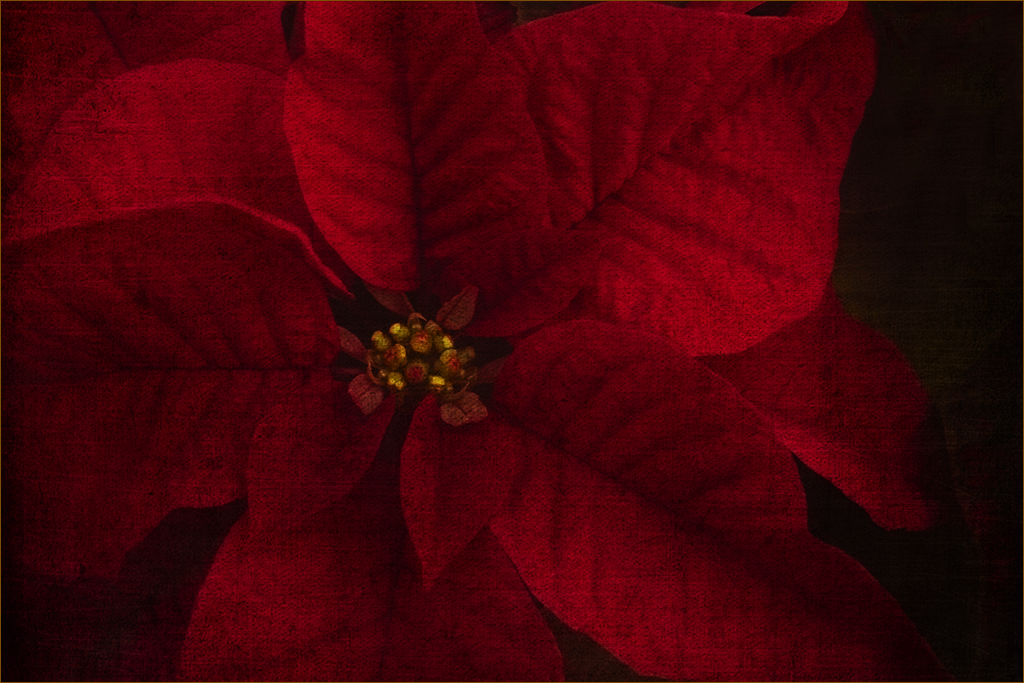
December 2025 - Red Poinsettia
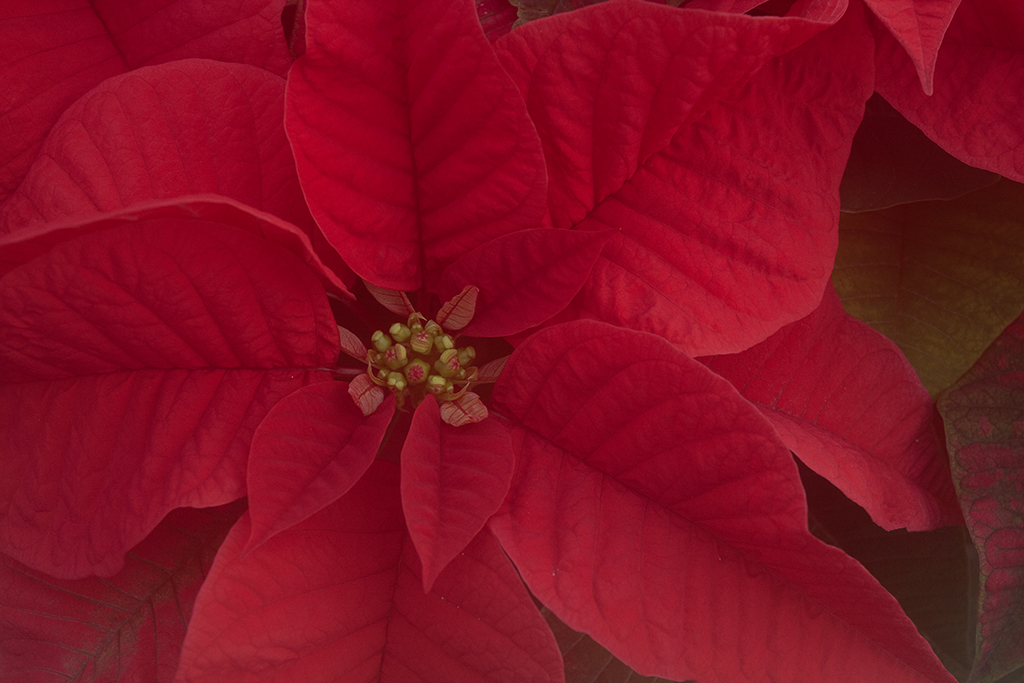
Original
About the Image(s)
I started the image with On1 software and used a "whimsy" texture preset. Made some adjustments then brought it into Photoshop and enhanced the center and cloned out the upper right petals.
11 comments posted
Hi Marti. As one of those regulars who takes a nice image and attempts to enhance only to not meet the approval of all, I get it. However, I took your Original image and enhanced to my liking, which is like the original but more unique. I used Topaz Studio 2 and they have a look called Bloom, which enhances the veins and the red to a point that it is a Poinsettia, But different in a bright new way to those viewing. Some might view your version as what's wrong with your flower and you reply, nothing, I just used a texture. Sorry, I was unable to find a Ps that would do the same thing but you used a filter on your Purple Warp that might do the same thing to Poinsettia. Sorry, the Red is to vibrant. I'm good with the removal of the odd colored leave in the top right. Posted: 12/07/2025 16:20:02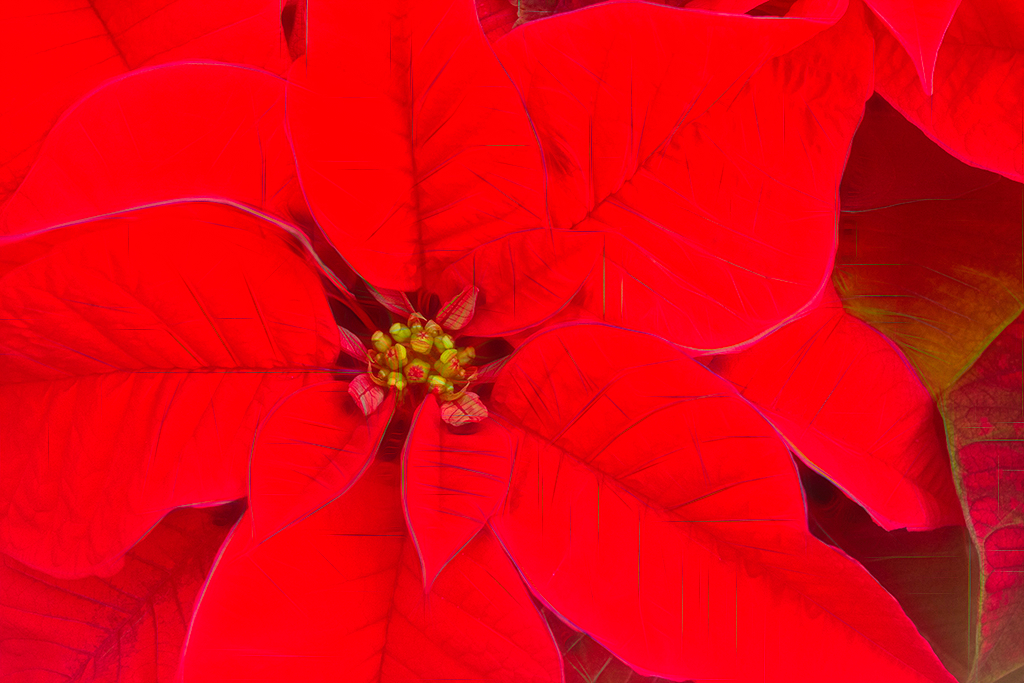
Thanks Bob. It was one of my first attempts using textures. I think I picked the wrong flower. Posted: 12/08/2025 21:23:45
Marti, I like the idea but somehow it just doesn't come across for me. It's like looking at a beautiful flower with bad cataracts. From viewing the original I think you were working with an image that needed too much help to revive it. I usually love your stuff, just not this one. Posted: 12/08/2025 18:31:46
I was playing with textures. I wasn't completely happy with it kind of liked the textured look. Thanks for the comments. Posted: 12/08/2025 21:22:24
Marti, that's one of the great features of the DD's. Try it out and generally get valid responses. Posted: 12/12/2025 15:53:02
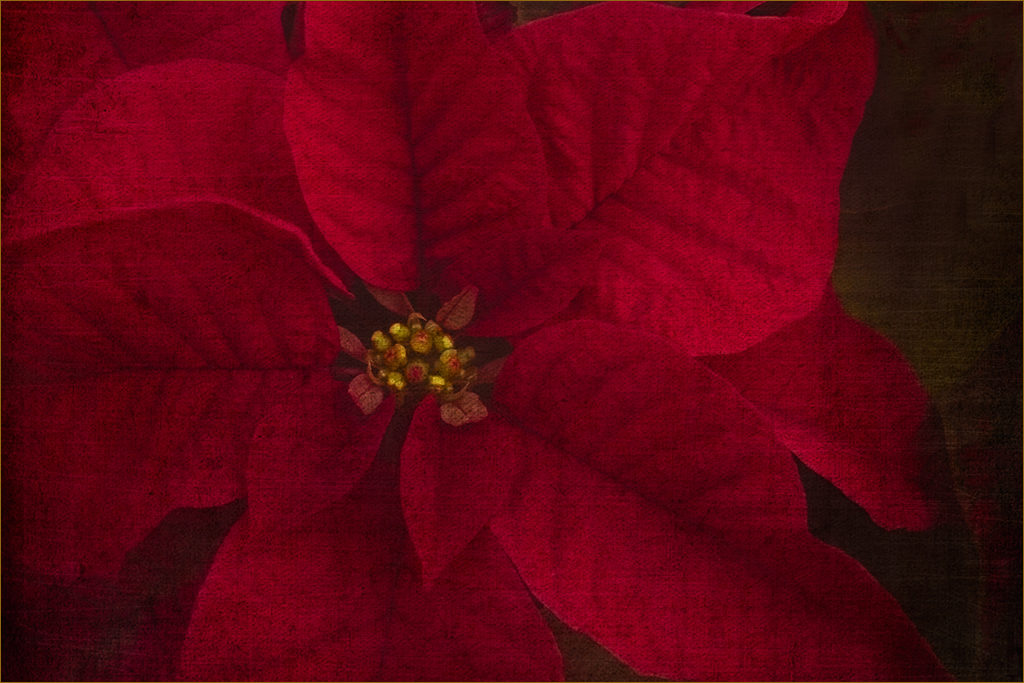
I'm in the minority. I Like the texture -- reminds me of a textile. The image does need brightening. What do you think of this? Posted: 12/10/2025 03:08:00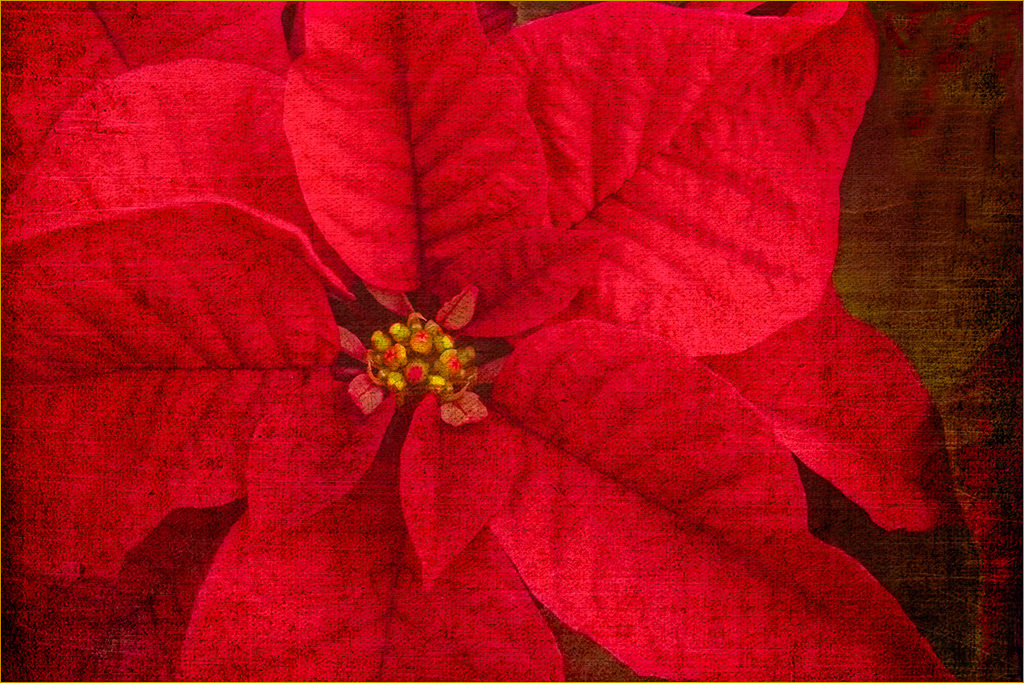
I like it, Doug. Thanks. Posted: 12/16/2025 22:32:25
Hi Marti. I, too, like the texture, but I think Doug's suggestion of brightening the image was a good one. Personally, I would crop the image square and eliminate the dark void on right side. Very appropriate seasonal flower choice! Happy Holidays! Posted: 12/15/2025 00:01:30
Thanks Ingrid. Just trying to get my images up to your caliber. :) Experimenting with lots of stuff in On1 now. Posted: 12/16/2025 22:33:28
Hi Marti,
Greetings my friend. I wish you have a blessed holidays ahead.
What an wonderful image that you have created out of the original image. Red Poinsettia - is simply stuning.
But I wanted to put a different perspective. I used the level, shadow and highlights and a tighter crop and finally followed by a paint effect from cs 6 to recreate.
I hope you liked it.
Thanks and cheers.
Kamal. Posted: 12/17/2025 11:28:08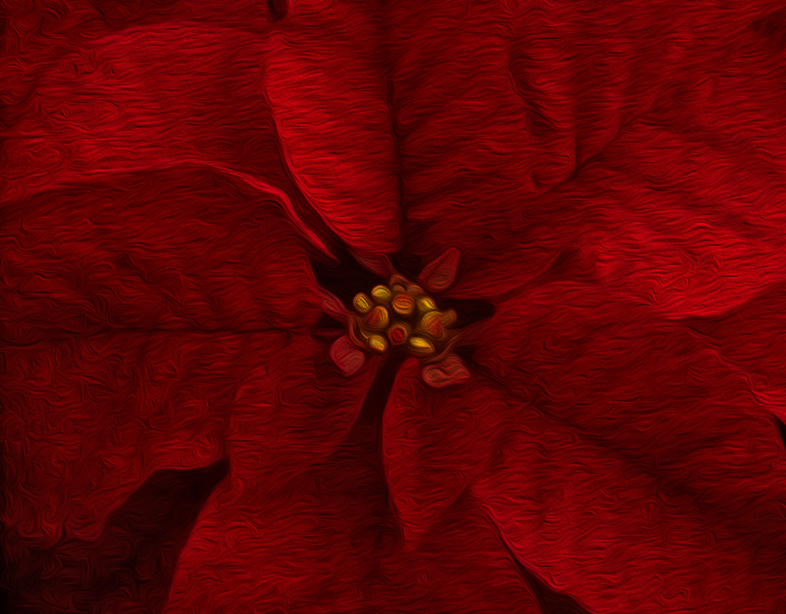
Greetings my friend. I wish you have a blessed holidays ahead.
What an wonderful image that you have created out of the original image. Red Poinsettia - is simply stuning.
But I wanted to put a different perspective. I used the level, shadow and highlights and a tighter crop and finally followed by a paint effect from cs 6 to recreate.
I hope you liked it.
Thanks and cheers.
Kamal. Posted: 12/17/2025 11:28:08
Hi Marti, I come from a different perspective as I'm a heavy user of textures. I quite like the texture in your image and in my honest opinion, it has given the flower an entirely different look because it has added more light and shade and given it a more "moody" look. All it required after adding the texture is some dodging and burning using curves to bring out the light that has fallen on the leaves when you originally took the image. I've taken the opportunity of demonstrating what I'm suggesting. Posted: 12/18/2025 09:49:52