Georgianne Giese

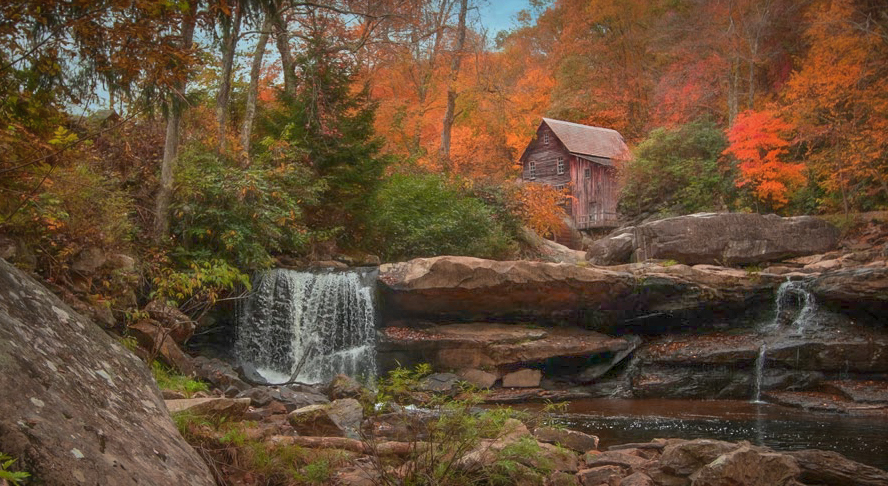
November 2026 - Spring Mill Creek, WV
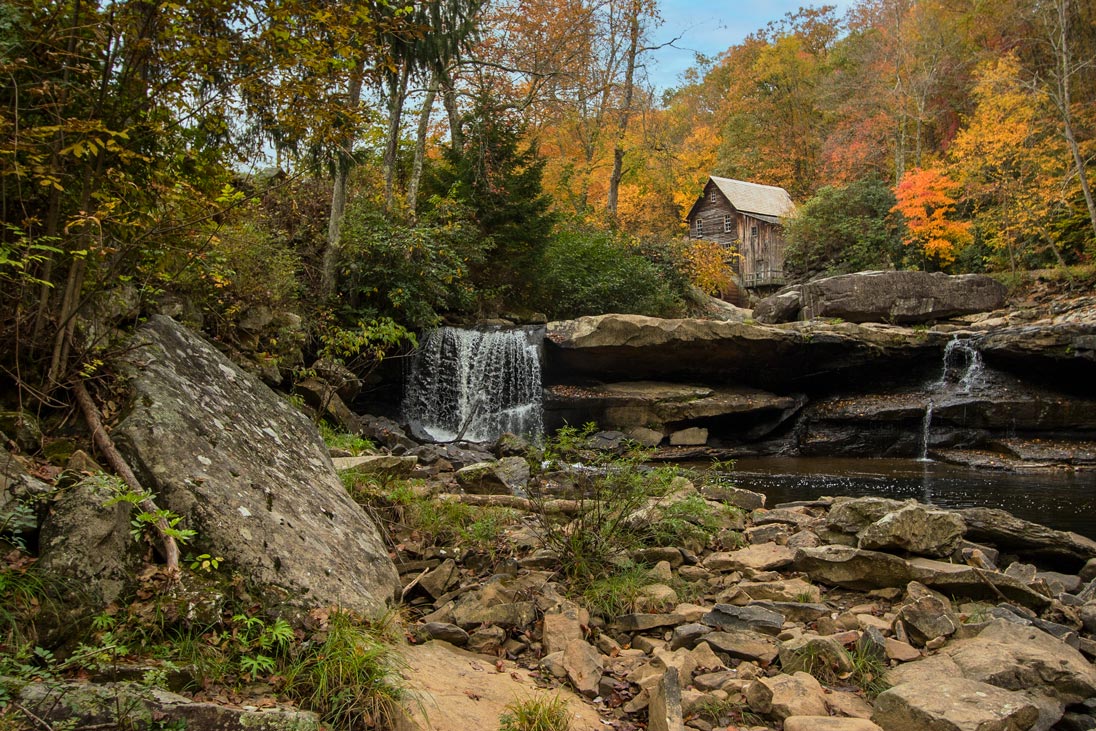
Original
About the Image(s)
This image was taken in October, 2016, when our Tidelands Camera Club went on an excursion to Mill Creek in West Virginia. It is a beautiful area! I found these images in a search for a different image, in my vast array of hard drives!
Canon D70, Mark II, 1/130 sec, ISO 400, f5.6, manual
To turn this picture into a “fine art“ image that one might hang on the wall, I suffered because Topaz has cut off access to my formerly purchased plugins! So I had to struggle with Topaz Studio , which is terrible in my opinion.
I wanted to turn this into a painterly image, and neither PS nor Topaz Studio offer options that really capture that effect without looking fake, in my opinion. Also, I’m too lazy to do it by hand!
Here is what I did in PS and Topaz Studio:
1. I cropped some off of the left and bottom.
2. I adjusted the RGB color in Curves adjustment layer by pulling the top of the vertical leaning line down a bit.
3. I adjusted the upper lighting brighter with an exposure adjustment layer and a mask to blacken out that layer’s 2/3 lower half.
4. I used Edit > Sky Replacement to replace the gray sky to blue sky.
5. I used NIIK Color Efex to adjust the contrast and used its Darken/Lighten Center to shift focus to the mill near the top of the image and darken to foreground. I to that often to add depth to an image and focus the eye on a subject.
6. I used Topaz Studio 2 to add a softening and painterly effect.
7. I used NIK Color Efex to add a frame.
8. I was not quite happy with the saturation, so I adjusted the yellows and oranges with a Hue/Saturation adjustment layer.
9. I wanted it to look still more like a painting, so I went into Topaz Studio 2 and used the Blur filter, focused on the mill. In a second entry into Topaz Studio 2, I selected Burnt Edges look and lightened the image with the Basic Corrections filter.
10. Merged up and saved.
4 comments posted
I know it's not your creative vision but I did some basic edits to the original image. Not better or worse ... just a different approach to the final image. Posted: 11/08/2026 18:09:10
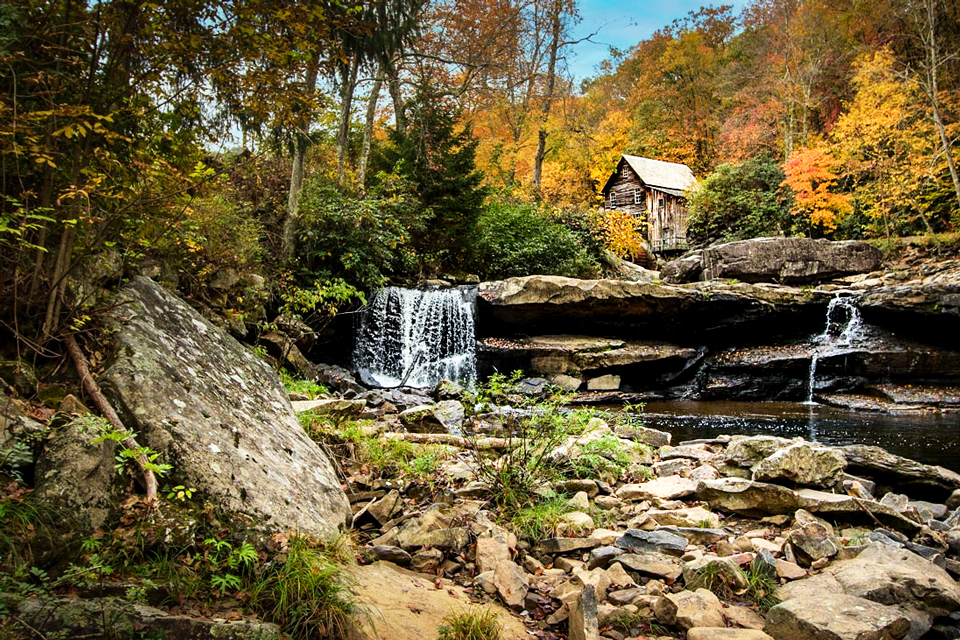
I took your original image into Lightroom Classic and lifted the shadows under the rocks. I also masked the building and reduced the exposure and highlights somewhat. Then I took it into Topaz Studio 2, which still works for me, and used the HSL Color Tuning to play with the colors plus used the Impressions filter and manipulated it for a painterly effect. Then I added a slight, dark vignette in Lightroom.
Again, just another take on trying to make this more painterly. Posted: 11/11/2026 14:10:59