Georgianne Giese

October 2026 - Jekyll Island Beach Stones
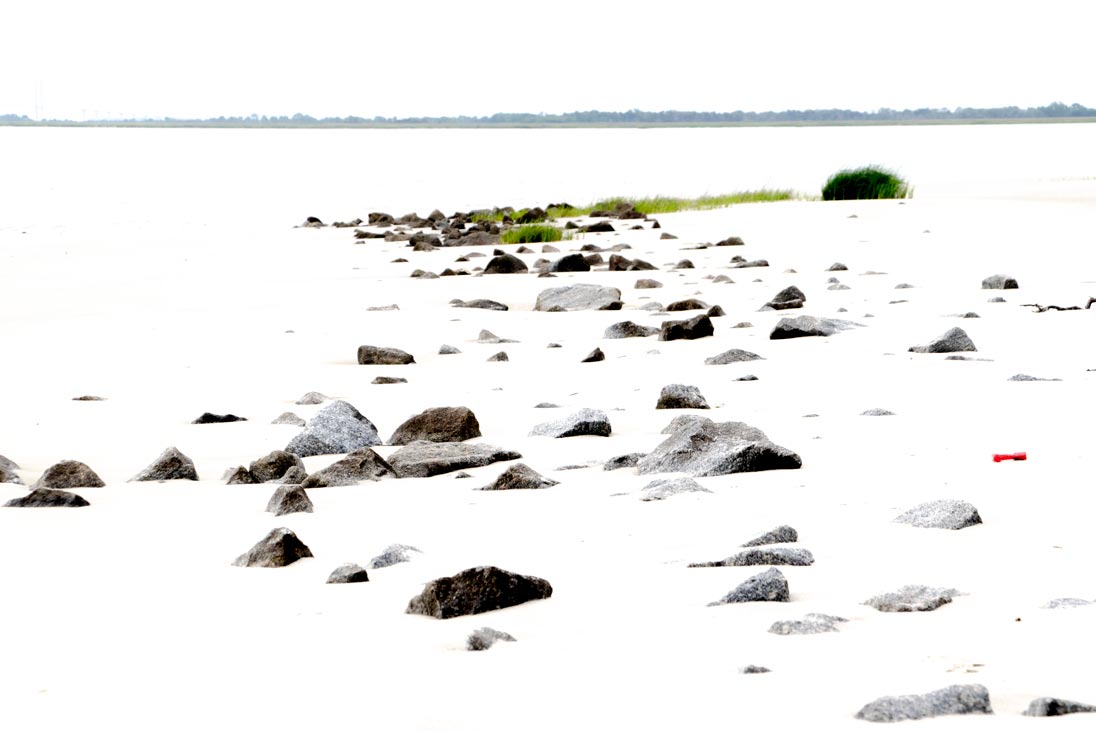
Original
About the Image(s)
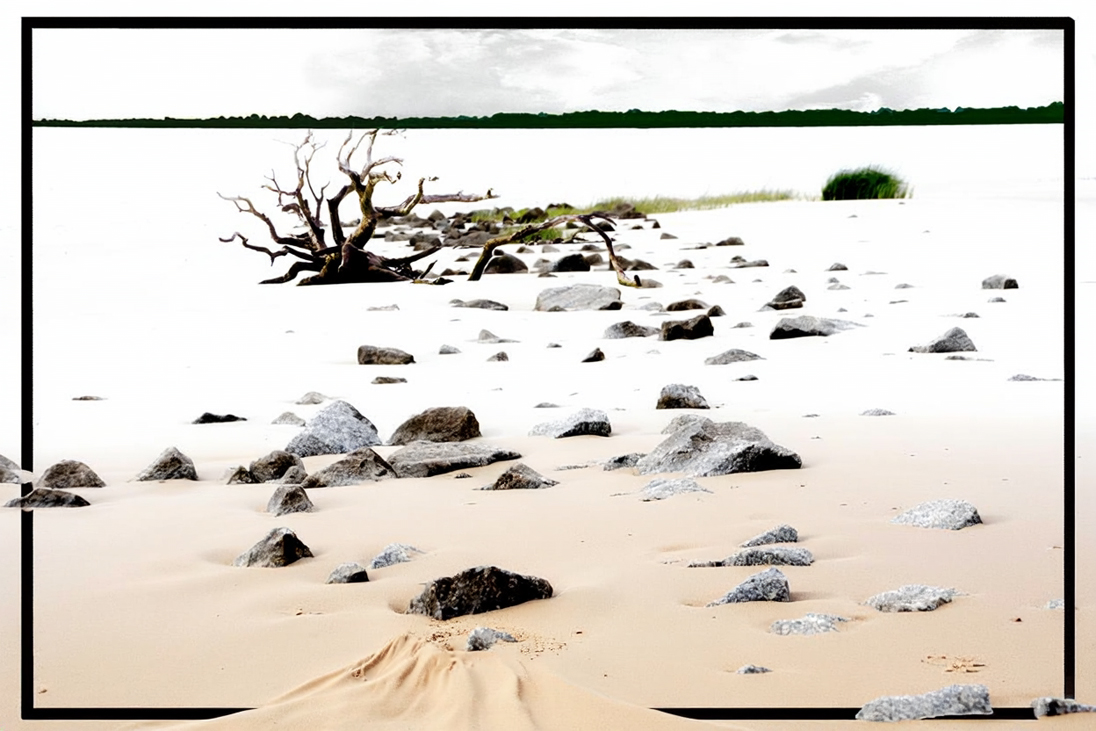
I found this old photograph I took on a Jekyll Island beach stones and thought I’d try to combine it with another beach debris photo. That stand of trees in the top horizon caused me lots of anguish. I didn’t know whether to keep it, remove it, or recolor it. I opted for the latter. I also straightened it out a bit.
I played around too much with this image, adding and deleting and fussing. The final result comes in the following steps.
1. I added the branch from another photo of the beach to original 1 and fiddled with its position to make the composition.
2. I selected the tree line in the background and saved that selection (Select > Save Selection. I straightened it by selecting it to a new layer and rotating that layer (File > Edit > Transform > Rotate).
3. I selected the tree line again on the composition layer and filled the selection with the composition color (chosen with the color picker).
4. I still didn’t like the tree line, and I spent too much time with it in different colors and rotations. It finally dawned on my that part of my problem was the white sky above the tree line. It needed to be filled with something.
5. I borrowed some clouds from a phone pic I took, cut out a section, and pasted them on top. They were too dark, so I used an Exposure adjustment layer. On that, I raised the exposure, the Offset, and the Gamma Correction.
6. Back on the composition layer, I selected the sky and used a mask to paint black over the sky area.
7. I moved both the cloud and Exposure adjustment layer down below the composition layer and the clouds shown through without interference to the tree line.
8. The tree line color annoyed me still. So I reloaded the tree line selection (Select > Load Selection) and used a Selective Color adjustment layer to tweek each color in it its composite color, until I got a very dark green.
9. Finally, I drew in the black framework and used a mask to hide it where I wanted the rocks and sand to seep out.
I’m not sure about this image. It might have been easier to just delete the cloud and tree line and crop down the top. What do you think?
3 comments posted
I actually like your original image better. It's more minimalistic and the horizon looks like it's shrouded in fog. I also think if you remove some of the rocks you may see that there is somewhat of a winding path that leads to the batch of grass.
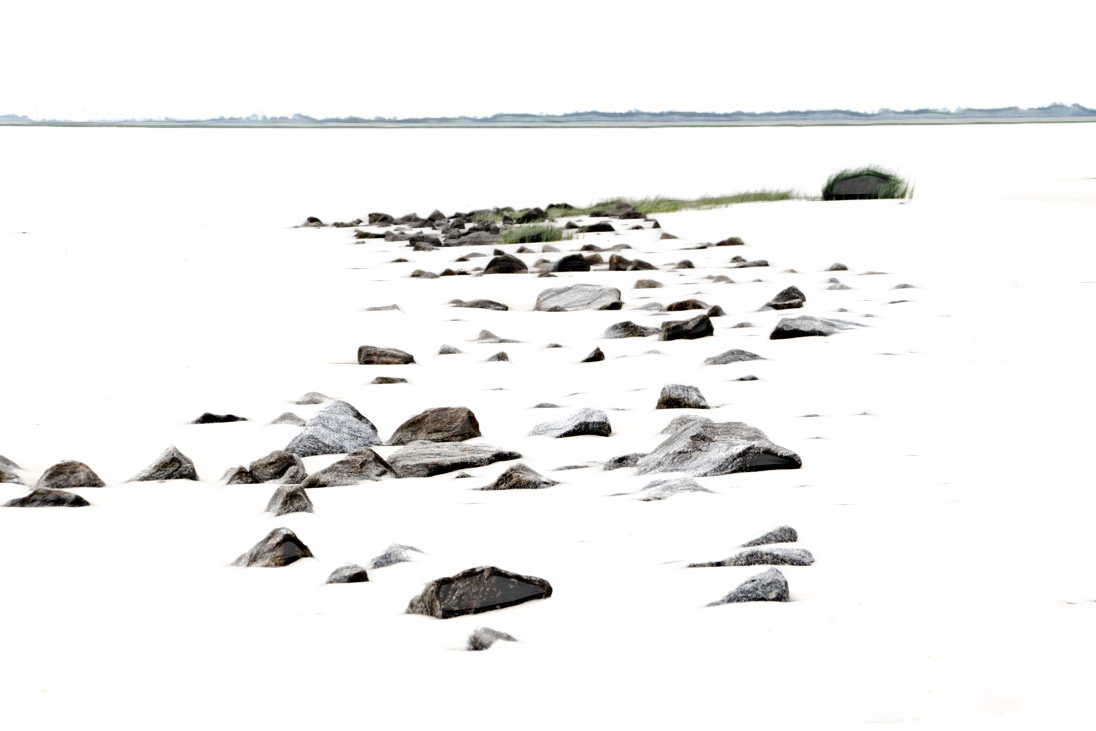
I've added an example image which I edited in Lightroom to remove a few rocks, desaturated the patch of green grasses and bush, and took into Topaz Studio 2 to apply some filters to accentuate the edges and textures of the rocks. Since your title was about the stones on the beach, I felt those needed to be accented rather than adding other items into the image.
Posted: 10/05/2026 15:05:55