Jan Handman
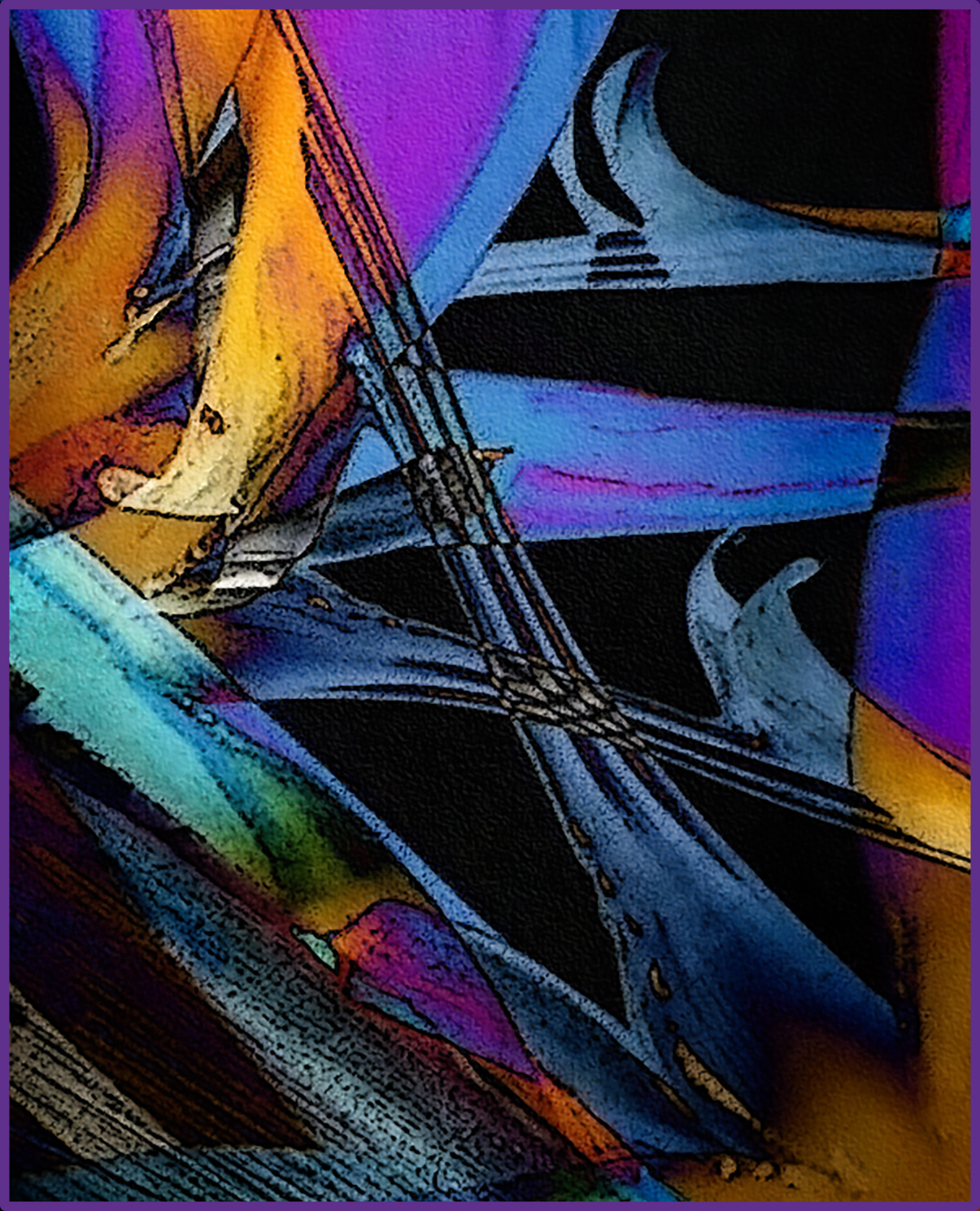
April 2026 - Paradise Abstraction
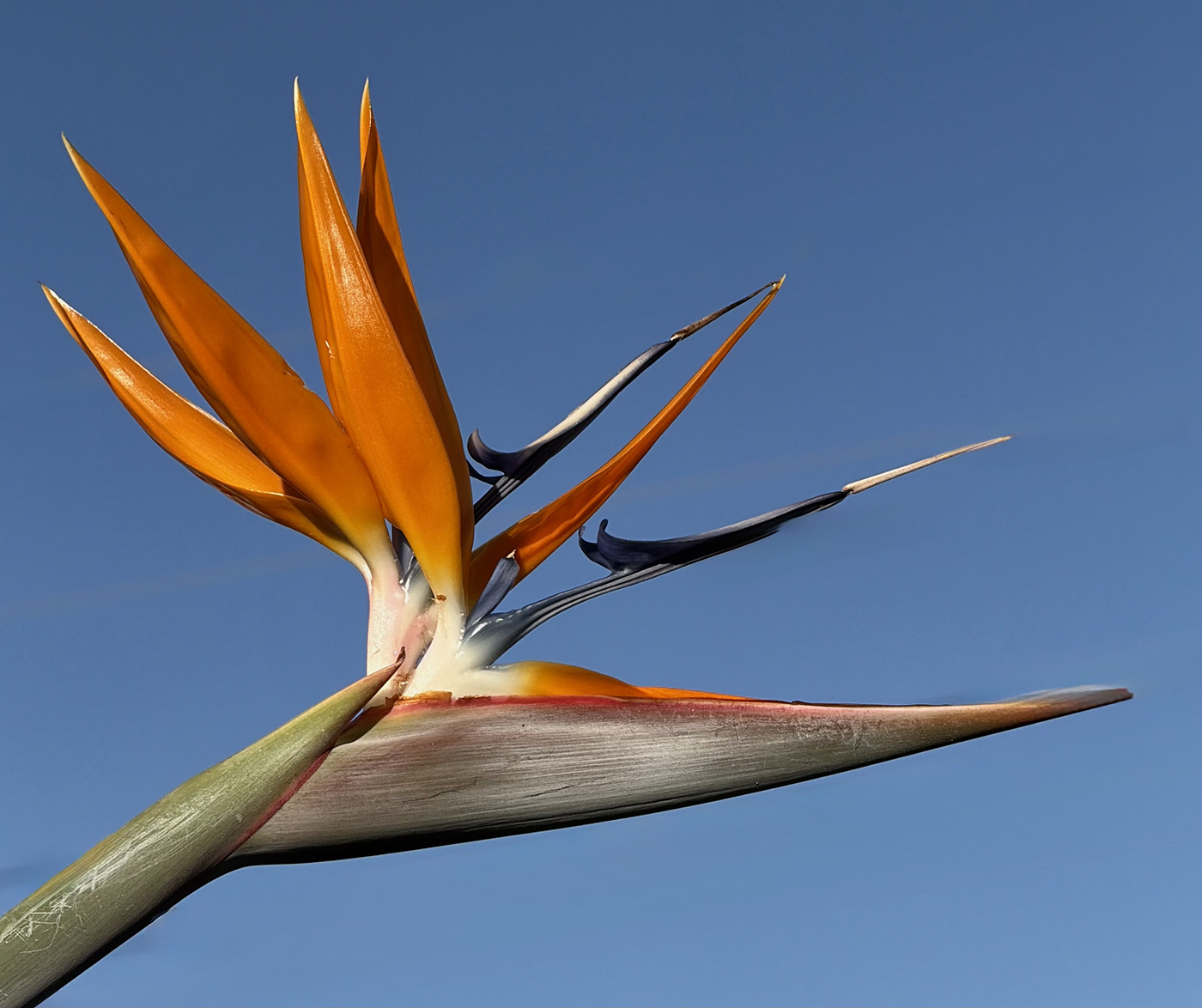
Original
About the Image(s)
I was in the mood for an abstract this month. A bird of paradise shot on a neighborhood walk was my starting point. All I did was duplicate the main layer and rotate the copied layer so the points of the blossom were heading in different
directions. I experimented with various Blend Modes in PS and liked Difference the best. I love the way this blend mode treats vibrant colors when they’re overlapped. After I had that done, I applied Poster Edges, Rough Pastels, and Sandstone texture filters from the gallery. I ended up cropping it quite a bit because it was really busy and I felt that highlighting the prettiest shapes and colors worked best. I decided to place a border around it at the last minute, to rein everything in.
4 comments posted
I like the colors and the composition. It almost looks like stained glass. There is a lot going on, but that seems to suit the final image you've made.
Well done! Posted: 04/06/2026 20:32:17
Well done! Posted: 04/06/2026 20:32:17
Thanks Denise. There is a lot going on for sure. I cropped out quite a lot, but maybe even more would be better. Posted: 04/11/2026 20:28:05
How amazingly beautiful! I love it!
The colors are fantastic. I really like the postured edges in an image. It really makes it look like a painting!
You did such a good job at turning a lovely bird of paradise image into a stunning abstract! I never would have thought about using the PS filters to accomplish this. Guess they really are worth playing with! Posted: 04/11/2026 21:07:26
The colors are fantastic. I really like the postured edges in an image. It really makes it look like a painting!
You did such a good job at turning a lovely bird of paradise image into a stunning abstract! I never would have thought about using the PS filters to accomplish this. Guess they really are worth playing with! Posted: 04/11/2026 21:07:26
Thanks Georgianne. I find it very relaxing to play with various filters. You just have to be prepared for a few "duds" before finding a "winner" with perseverance. Posted: 04/17/2026 22:34:06