Jay Joseph
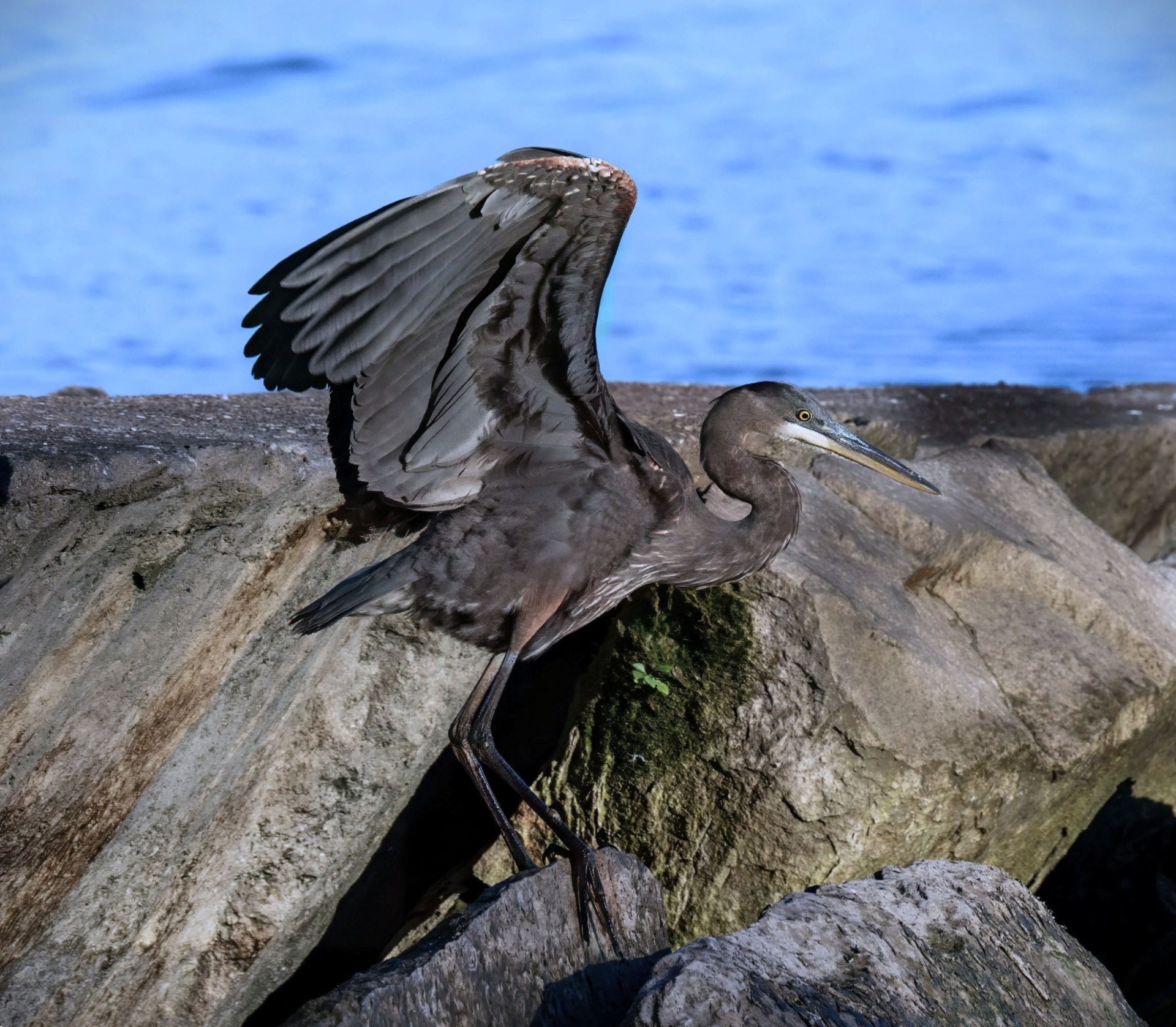
December 2025 - Juvenile
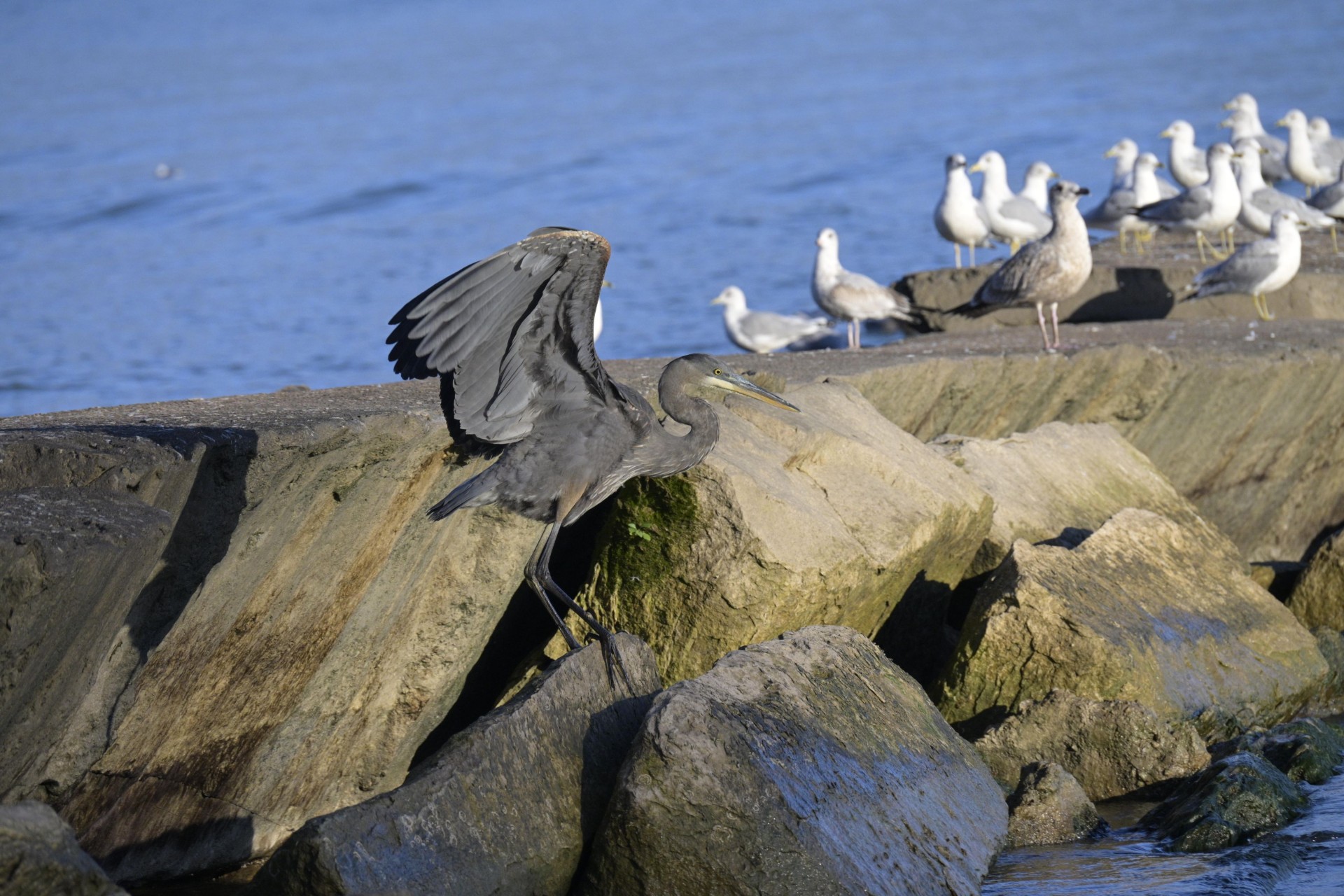
Original
About the Image(s)
This is a photograph of a Juvenile Great Blue Heron taken at Lake Erie. The bird was not going to fly but was trying to keep its balance as it walked along the uneven rocks. In Lightroom I removed all the distracting birds and straightened the horizon. I also tried to bring the exposure on the rocks down, so they were not as distracting. Nikon Z5-2, f11, 1/800 sec, ISO 1800.
4 comments posted
Good idea to remove the birds in the background. This way the eye isn't distracted by the white birds. I feel the lighting on the bird in the final image could be lighter, especially with the dark legs against the shadow area between the two rocks. Do you ever using masking in Photoshop or Lightroom. You could select the bird (select subject in masking) and keep the bird as in the original or darken just a bit from the original. In masking you could select "background "to darken the rocks. This is all a suggestion. Overall, I like the way you cropped the image so the bird is the main focus without distractions. Great capture....nice image Jay. Posted: 12/13/2025 15:29:51
I agree with Henriette. Somehow the bird and rocks need to be better separated. You could use the masking tool as suggested. You could also use the burring function. Posted: 12/15/2025 21:16:00
An interesting shot of the bird, with nice detail in the feathers. Good idea to remove the background birds (of course that means it is no longer a pure nature image). I agree that the bird needs more separation from the rocks behind as it gets a little lost against the rock textures. Instead of darkening, I tried blurring the rocks. To avoid a bur halo around the bird the trick is to first select the bird and foreground rocks then do a content aware fill - that way there is no bird to bleed into the background when the blur is applied. Posted: 12/16/2025 11:22:00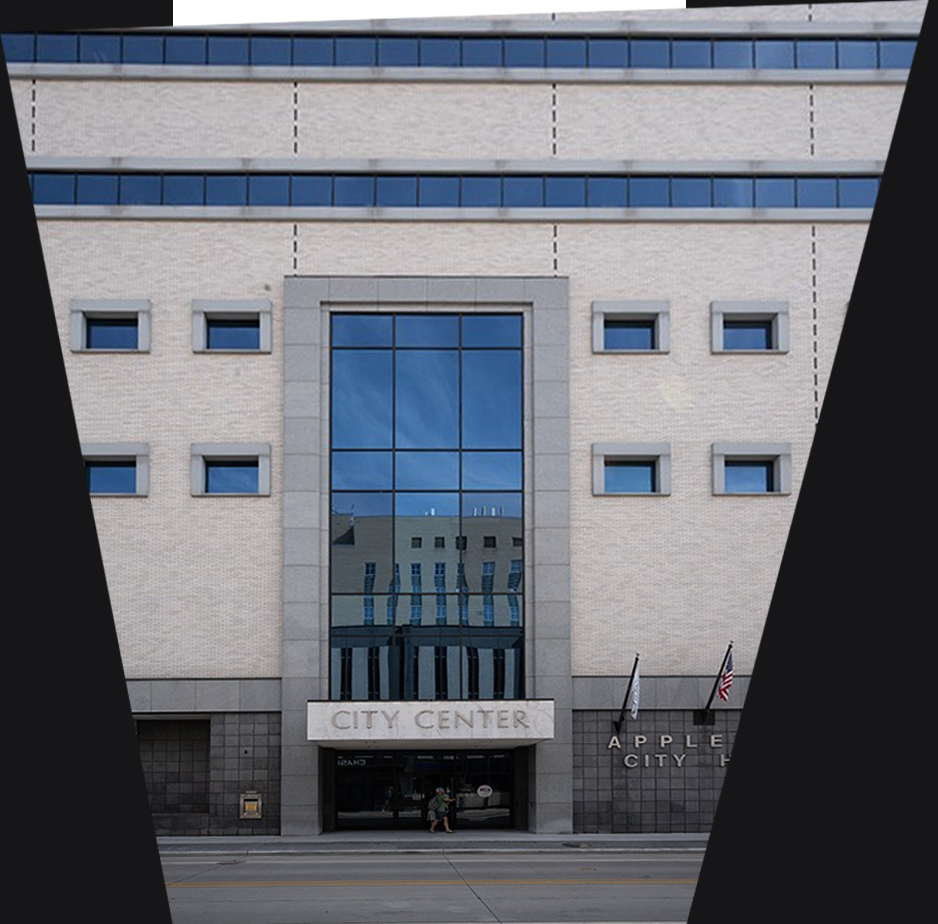
Jay, all good suggestions above. Posted: 12/18/2025 21:08:07