Jan Handman
July 2026 - Open Door Policy
Original
Original 2
Original 3
About the Image(s)
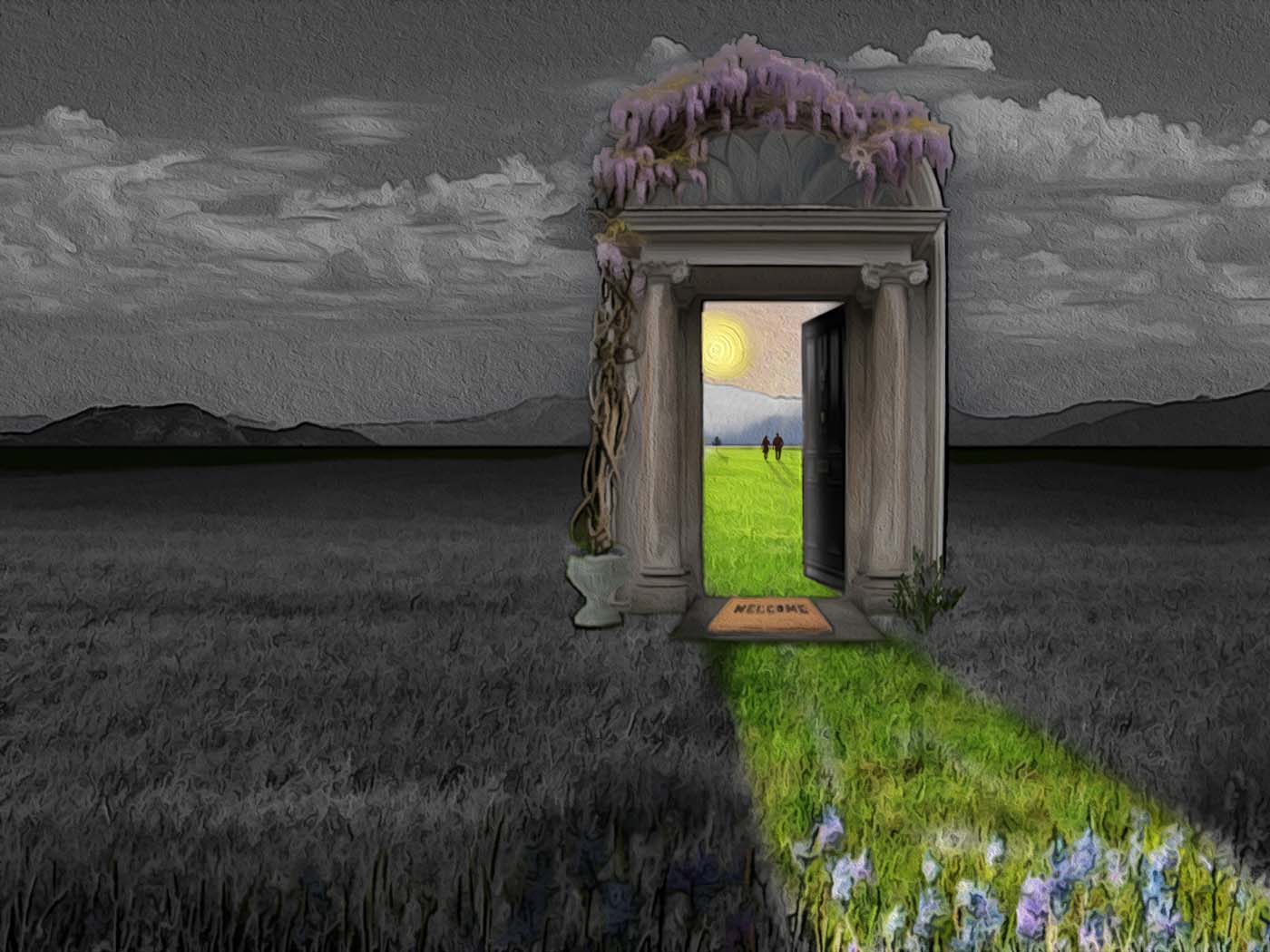
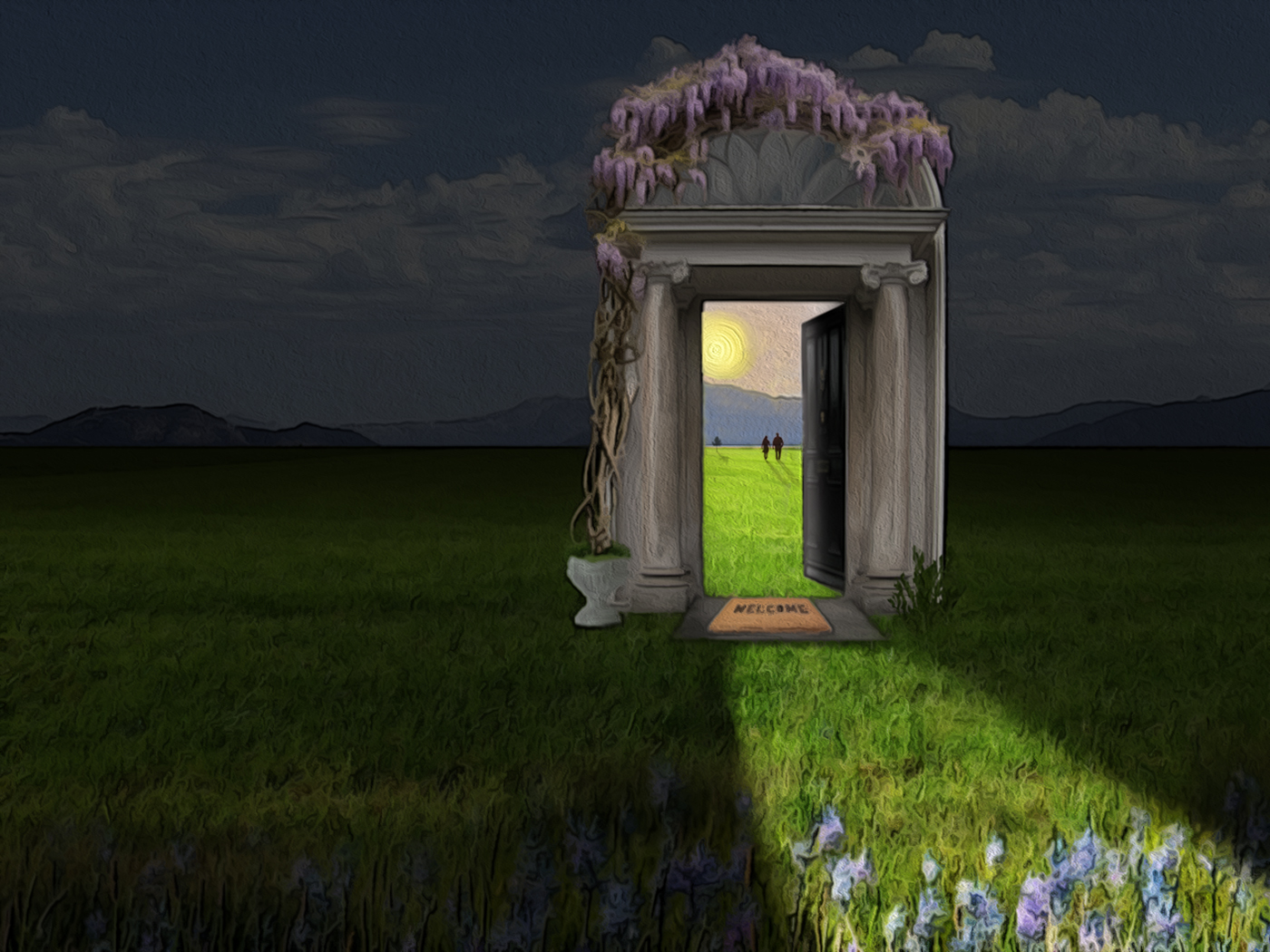
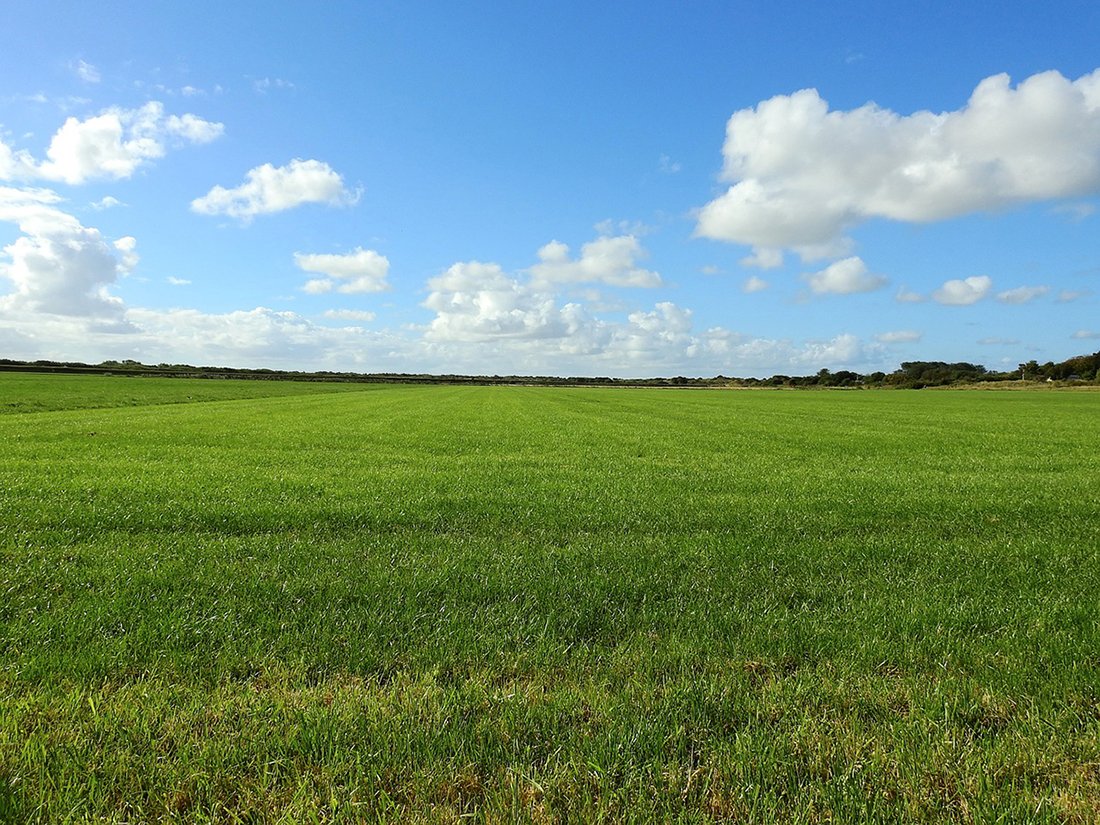
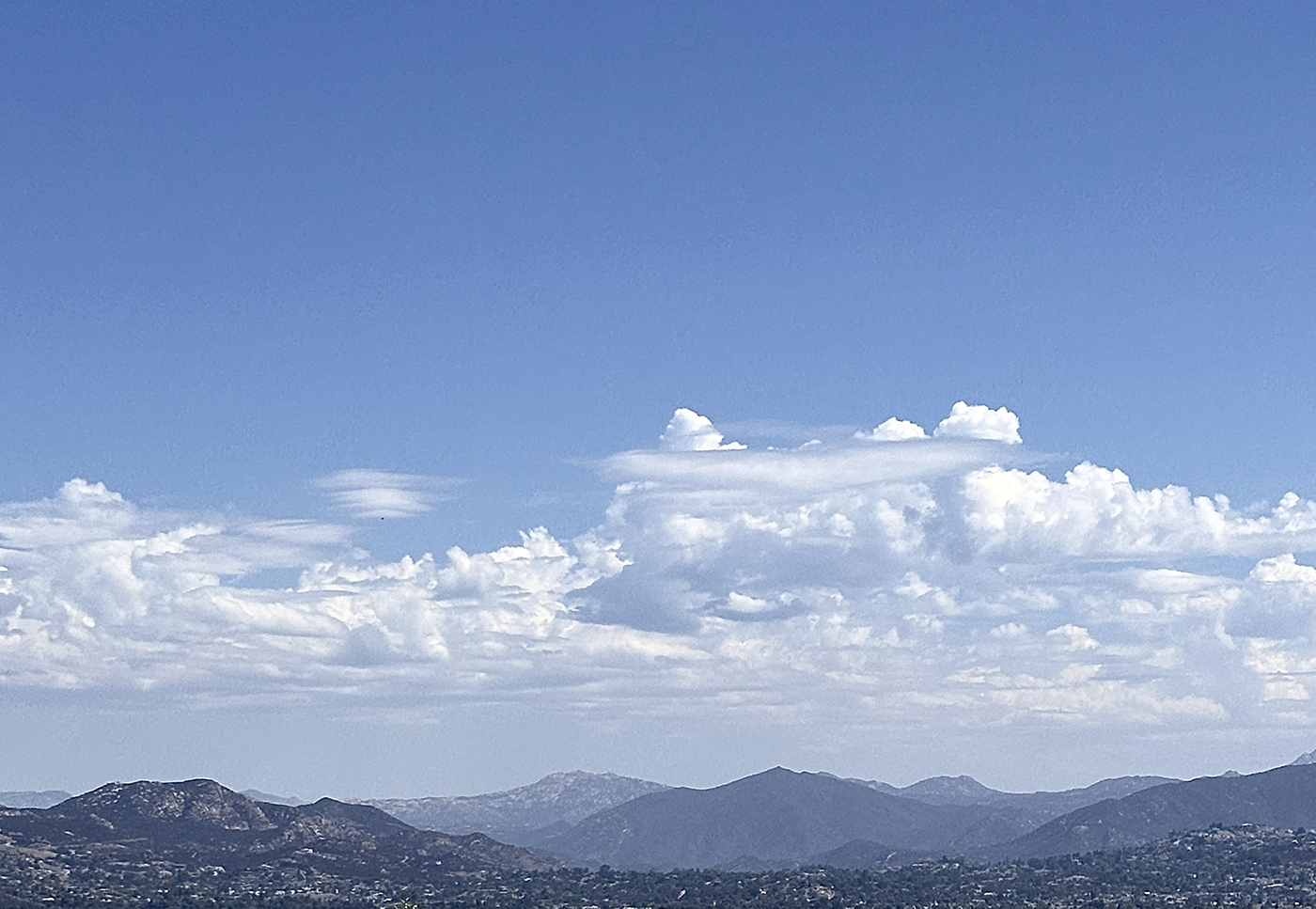
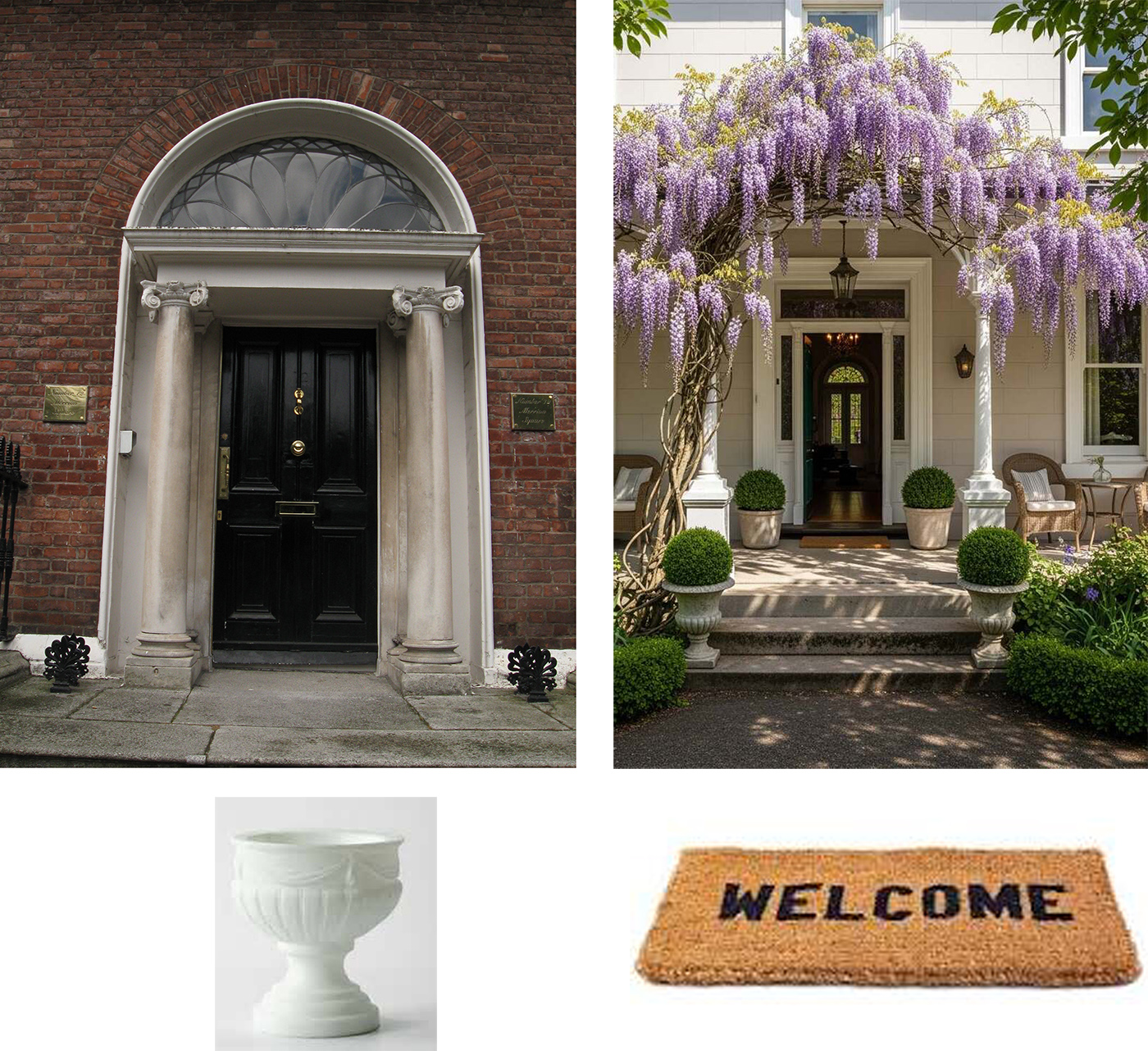
The meadow photo was my starting point, but I wanted a few hills in the distance so I added the sky photo after cropping it a bit on the bottom. Those two layers were merged into one. Next, I added the door and did some lens correction so everything was straight and level. The surrounding elements were added around the door, using masks to get rid of unwanted areas. The perspective warp tool was used to “open” the door. I then created a locked group of just those layers so I could easily move them around and figure out the best placement on the meadow.
I wanted the major part of the background to be dark and the area visible through the door to be much brighter, so I duplicated the meadow/sky and greatly darkened the top layer for the main background, using brightness and contrast adjustment. I kept the original brighter layer underneath and used a mask on the dark layer to erase the area inside the door and in front of the door to make it look like the sunlight was flooding out.
Lastly, I added a few flowers in the foreground, a couple walking into the distance, a tree, and the respective shadows. A slight oil paint filter was applied over all.
9 comments posted
Your image isn't dark of course, but I just had to let you know you've a hit with me. Posted: 07/01/2026 23:07:16
My reactions are probably 100% wrong, but it is what I see, and I love it. Posted: 07/05/2026 14:53:40
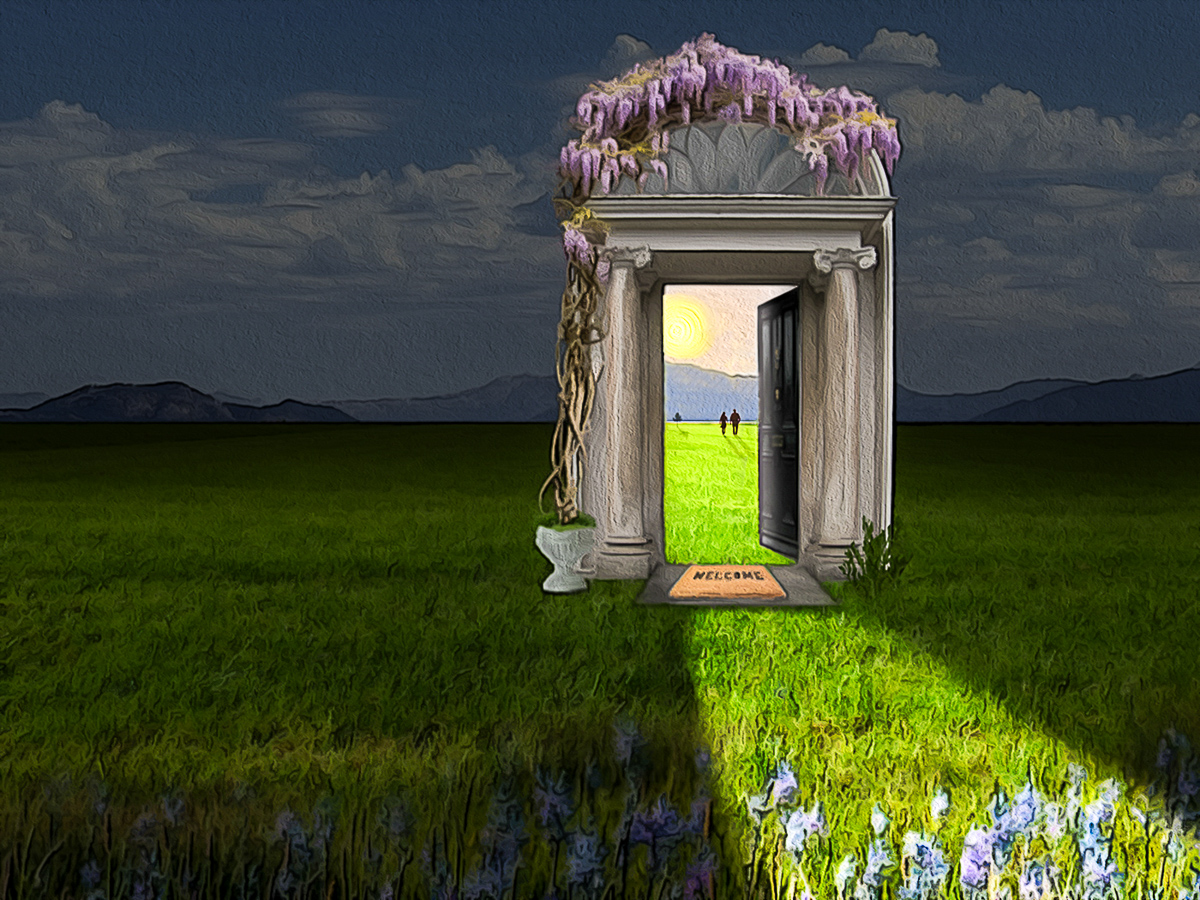
As usual a really well done and thought out composite. Having the "door" slightly off centre and the light leading to the lower right side works exceptionally well which it wouldn't have done if all had been centered. Having the flowers at the base is a nice finish. Posted: 07/02/2026 12:41:24
As always another exceptional image. I love all of it and that you even thought to add the detail of the flowers in the foreground.
I wanted to play with idea of the people living in a colorless world and moving into a beautiful colorful day. Posted: 07/07/2026 01:01:32