Brian Parkin, QPSA
July 2026 - Pressed Flowers
About the Image(s)
Something a little different from me this time!
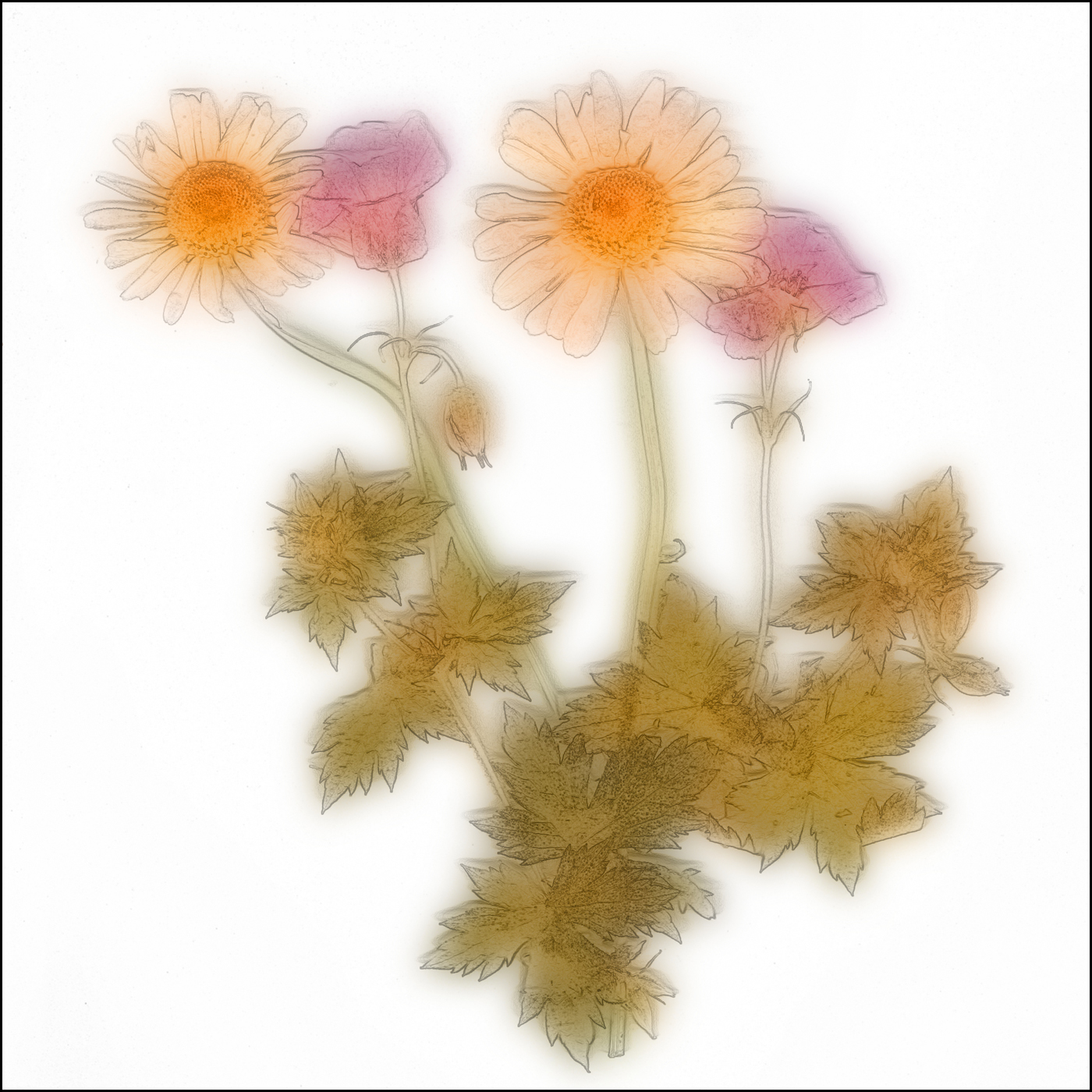
There have been some great flower images in the group recently, so I thought that I'd have a go a one. This is my attempt at something like an impressionist/watercolour image. The image is entitled 'Pressed Flowers'.
First I squashed some flowers from my garden. I split the image into two layers, blurred one and changed the other to something like a pencil drawing, then recombined them. I didn't find it easy - I was basically making it up as I went along (this was my 8th attempt - earlier attempts were more Jackson Pollock than van Gogh!).
I'm not very good at post-processing, so any hints and tips are most welcome!
Very little camera work here.
6 comments posted
I love this and congrats for boldly going where you haven't gone before (cue the music). How in the world did you change one layer into a pencil drawing. That is compelling. I am not sure about the bright white background. Can you change that to a gray? Or perhaps another color. Posted: 07/07/2026 13:26:02
To create a pencil drawing:
I'm not a 'power user' of photoshop, or any post-processing software, but this is roughly what I do in Affinity:
1.Enhance > Adjust Colour > Remove Colour
2.Duplicate the layer (control-J) or Layer>Duplicate Layer
3.Invert the image (Control-I) or Filter > Adjustments > Invert
4.Change the blend mode from Normal to Colour Dodge - the image will go white
5.Filter > Blur > Gaussian Blur. Adjust slider to taste (somewhere between 2 and 14 probably)
When happy, Layers > Flatten, then save the image Posted: 07/11/2026 07:52:29
I'm not a 'power user' of photoshop, or any post-processing software, but this is roughly what I do in Affinity:
1.Enhance > Adjust Colour > Remove Colour
2.Duplicate the layer (control-J) or Layer>Duplicate Layer
3.Invert the image (Control-I) or Filter > Adjustments > Invert
4.Change the blend mode from Normal to Colour Dodge - the image will go white
5.Filter > Blur > Gaussian Blur. Adjust slider to taste (somewhere between 2 and 14 probably)
When happy, Layers > Flatten, then save the image Posted: 07/11/2026 07:52:29
Where exactly in that process do the outlines show up. I really like that. Posted: 07/12/2026 14:25:53
The outlines appear in step 5. There are other ways of doing too... Posted: 07/12/2026 15:44:54
Our photo clubs have a creating category which I don't compete in and struggle to appreciate most of what I see entered. This would probably get a perfect score if I was judging it though... I love this image and think your repeated attempts have paid off. Posted: 07/10/2026 12:36:06
I still want to it against a gray background. Can you do that? Posted: 07/12/2026 17:13:43