Bruce Titus
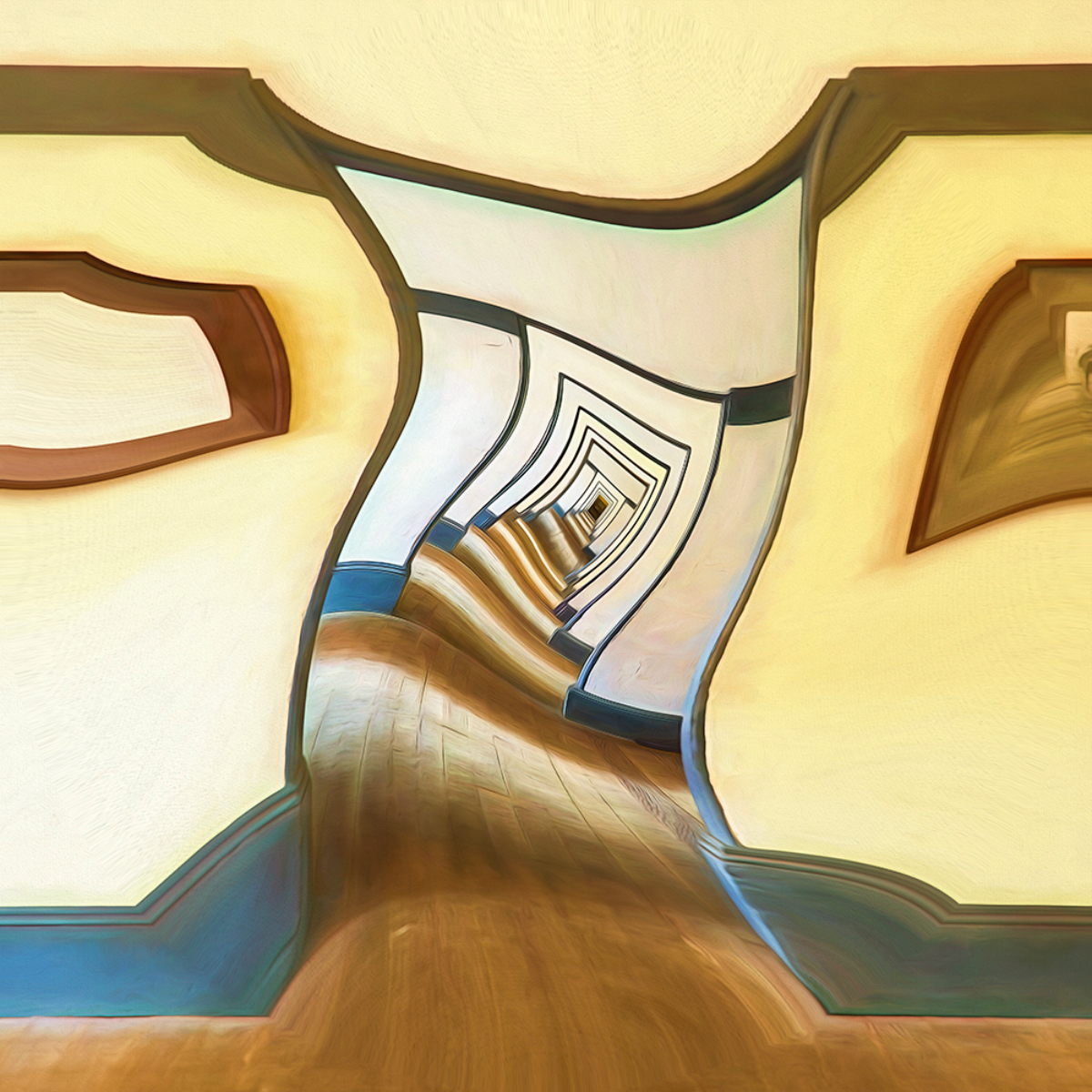
October 2026 - Vanishing Doors
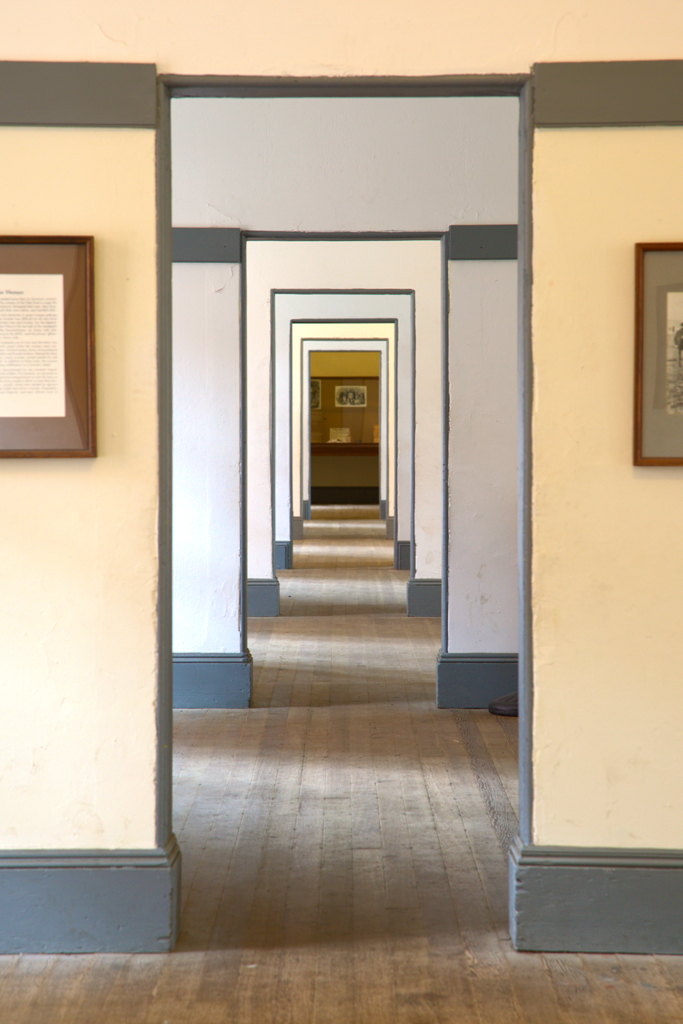
Original
About the Image(s)
Location: Fort Point officer’s quarters
Camera: Canon EOS 5D, Mk II
Lens: EF 24-105
Focal Length: 105mm
ISO: 1000
F-stop: F8
6 comments posted
This is terrific! I'd love a few sentences about how you distorted the image - software or technique.
Thanks Bruce! Posted: 10/04/2026 11:24:54
Thanks Bruce! Posted: 10/04/2026 11:24:54
Thanks Douglas!
1. I copied the doors in the center of the image. Then I pasted the copy, reduced the size and lined it up with the doors at the end of the hall. If I remember correctly, I ended up doing that twice so the doors appear to go on infinitely.
2. I then went to the "Filter" menu in the top menu panel in Photoshop .... selected the "Distort dropdown" ... and chose the "Twirl" function.
As I've mentioned before, I consider post-processing to be most of the fun of photography. The Distort functions in Photoshop are way fun to play with! Posted: 10/04/2026 15:53:17
1. I copied the doors in the center of the image. Then I pasted the copy, reduced the size and lined it up with the doors at the end of the hall. If I remember correctly, I ended up doing that twice so the doors appear to go on infinitely.
2. I then went to the "Filter" menu in the top menu panel in Photoshop .... selected the "Distort dropdown" ... and chose the "Twirl" function.
As I've mentioned before, I consider post-processing to be most of the fun of photography. The Distort functions in Photoshop are way fun to play with! Posted: 10/04/2026 15:53:17
This is great! Love the steps you took and thanks for sharing. Posted: 10/05/2026 09:18:58
Interesting,
I feel like I'm in a fun house Posted: 10/04/2026 22:56:52
I feel like I'm in a fun house Posted: 10/04/2026 22:56:52
Great abstract! You transformed an ordinary hallway into an interesting piece of art. My eyes are drawn into the frame. The light and shadows on the floor give it more dimension. I agree post processing in Photoshop is fun. Nicely done, Bruce. Posted: 10/05/2026 12:55:01
Bruce, Fun image! As Barbara mentioned the floor lights help draw you into the frame. Thanks for the edit explanation. Posted: 10/09/2026 20:05:11