Sylvia Williams
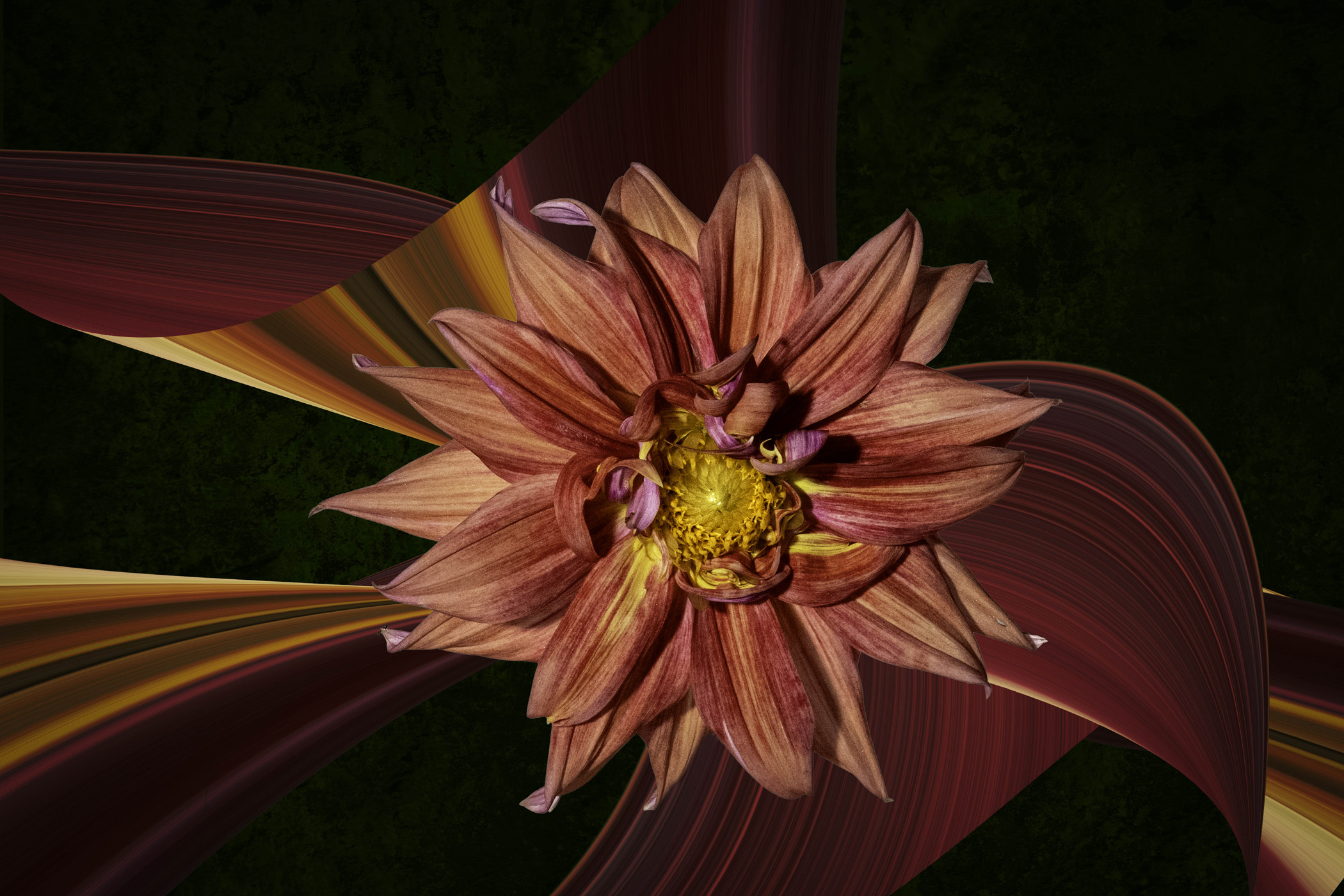
October 2026 - Creative Dahlia
About the Image(s)
Basically, what I did with this photo is I made a copy and removed the background. From that layer I used the single column marquee tool to create a line down the center of the Dahlia, trying to get all the colors in one line. Then I used control J to duplicate the selection on another layer. On that layer I used ctrl to stretch the selection. After that I played with the transform tool to scale, rotate, skew the ribbon of color, then moved the subject layer to the top layer.
11 comments posted
Hi Sylvia - I'd really enjoy seeing the original after reading your detailed description of how you modified it. The finished product is quite stunning and the color palette is especially vivid.
Thank you! Posted: 10/04/2026 11:26:57
Thank you! Posted: 10/04/2026 11:26:57
I'm not sure this is the original. I can't seem to find the original after an hour of searching :) but It had to be similar to this Posted: 10/04/2026 22:41:34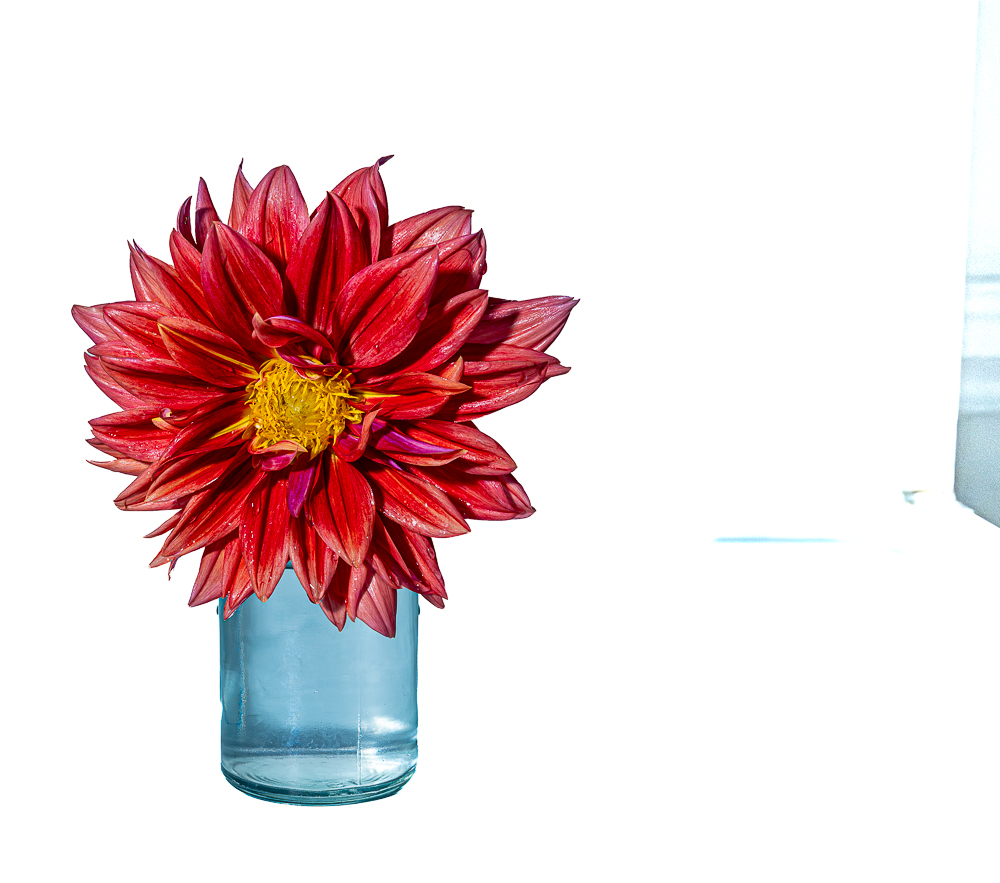
Thank you! Posted: 10/05/2026 09:19:24
Sylvia.... love it! Very creative. I applied a path blue to the background to soften the sharp edges but the image is just fine the way it was. Posted: 10/04/2026 18:10:54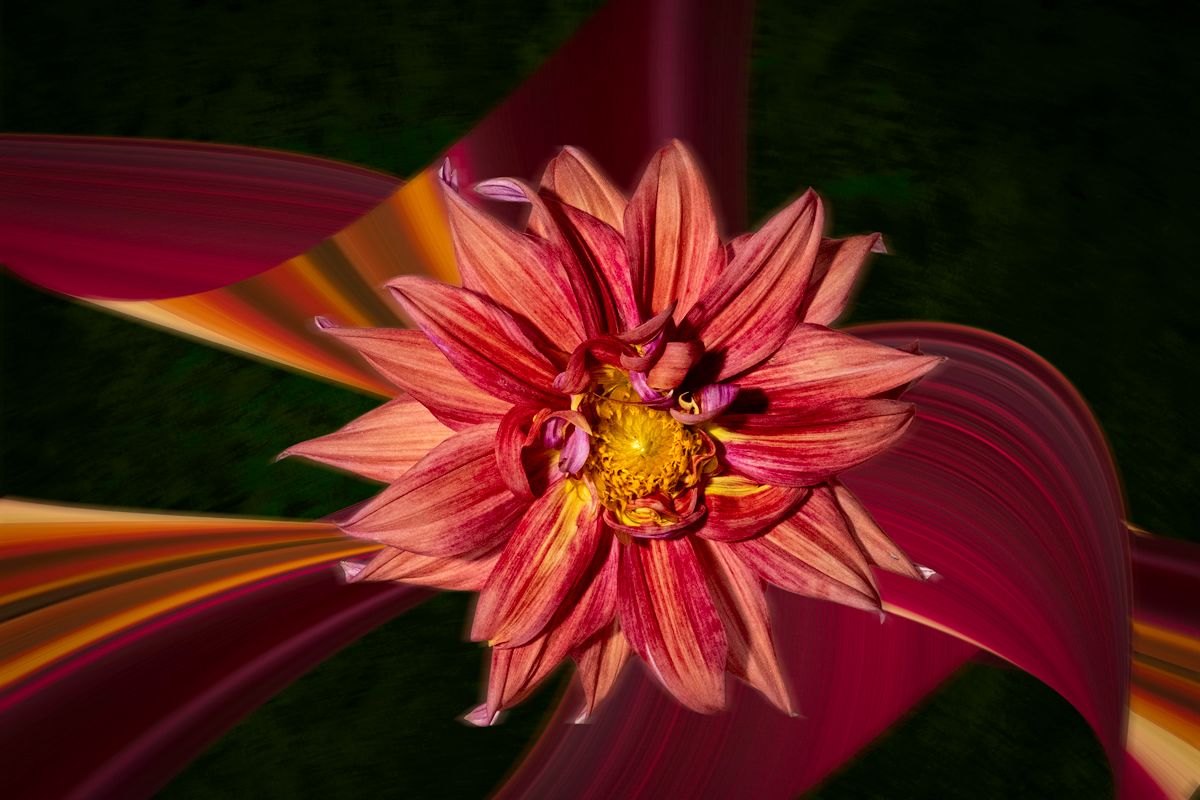
Interesting take, thanks Posted: 10/04/2026 22:42:58
Lovely presentation of a dahlia. Love the colors. All the fine details are sharp. Well exposed. You captured all its' beauty nicely. You created movement and drama with your creative process. Well done, Sylvia. Posted: 10/05/2026 23:15:01
Thanks!
Posted: 10/09/2026 20:19:56
Posted: 10/09/2026 20:19:56
Sylvia, you have a presented a very creative photo. I like what you have done to create the "ribbons" from the original flower. The steps you describe to create them are way beyond my editing knowledge, though. I think the final product very nice and well done. Posted: 10/07/2026 18:22:19
Thanks!
If you google pixel stretching on youtube there are a lot of videos to instruct you. It isn't hard if you have any photoshop experience Posted: 10/09/2026 20:20:43
If you google pixel stretching on youtube there are a lot of videos to instruct you. It isn't hard if you have any photoshop experience Posted: 10/09/2026 20:20:43
Sylvia, Not quite sure what you did but Creative Dahlia is aptly named. You captured the flowers details and the background ribbon enhances the vibrant colors. Using the flower to make a ribbon was very creative! Posted: 10/09/2026 20:15:41
Thanks!
Posted: 10/09/2026 20:20:50
Posted: 10/09/2026 20:20:50