About the Image(s)
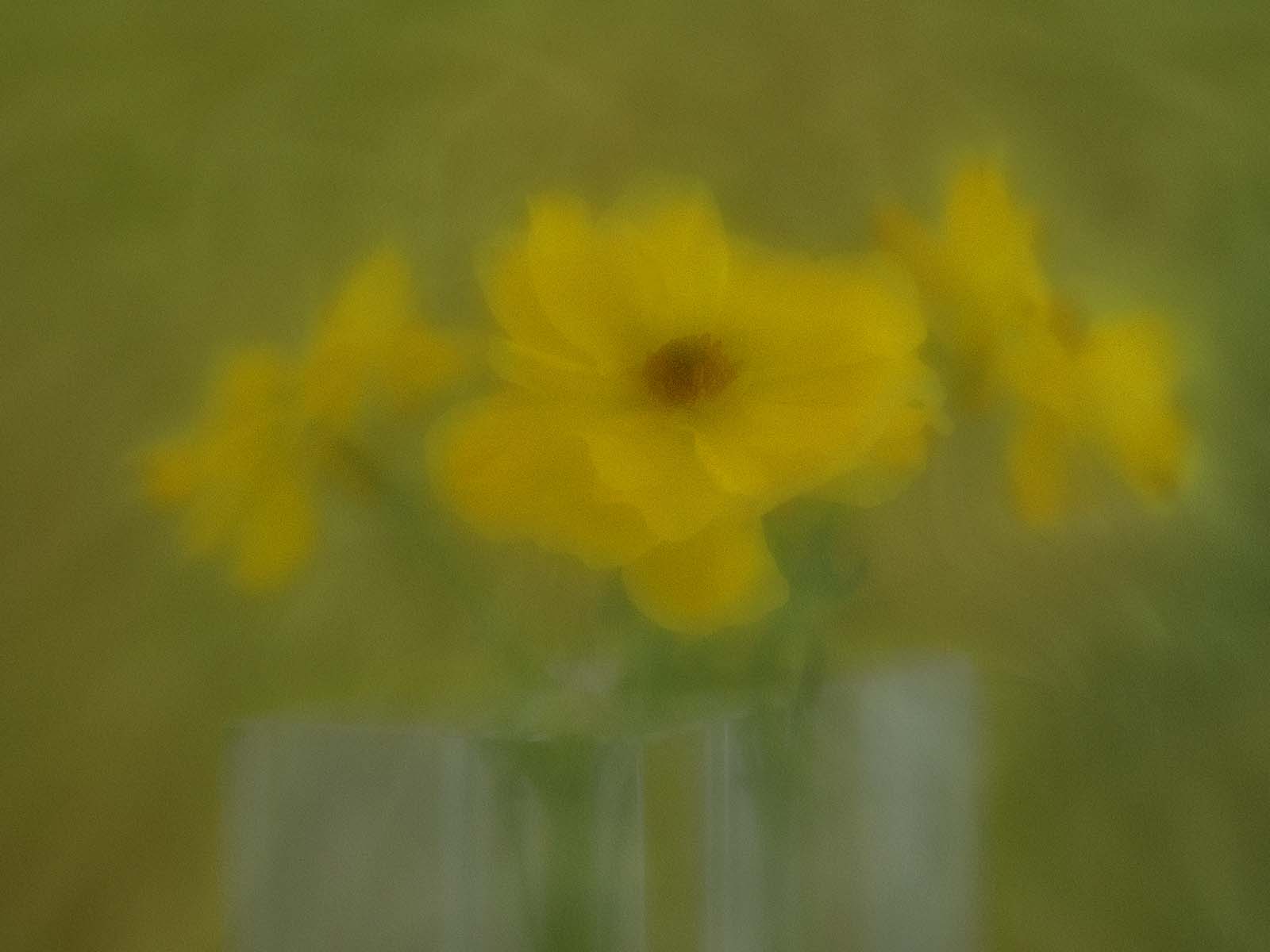
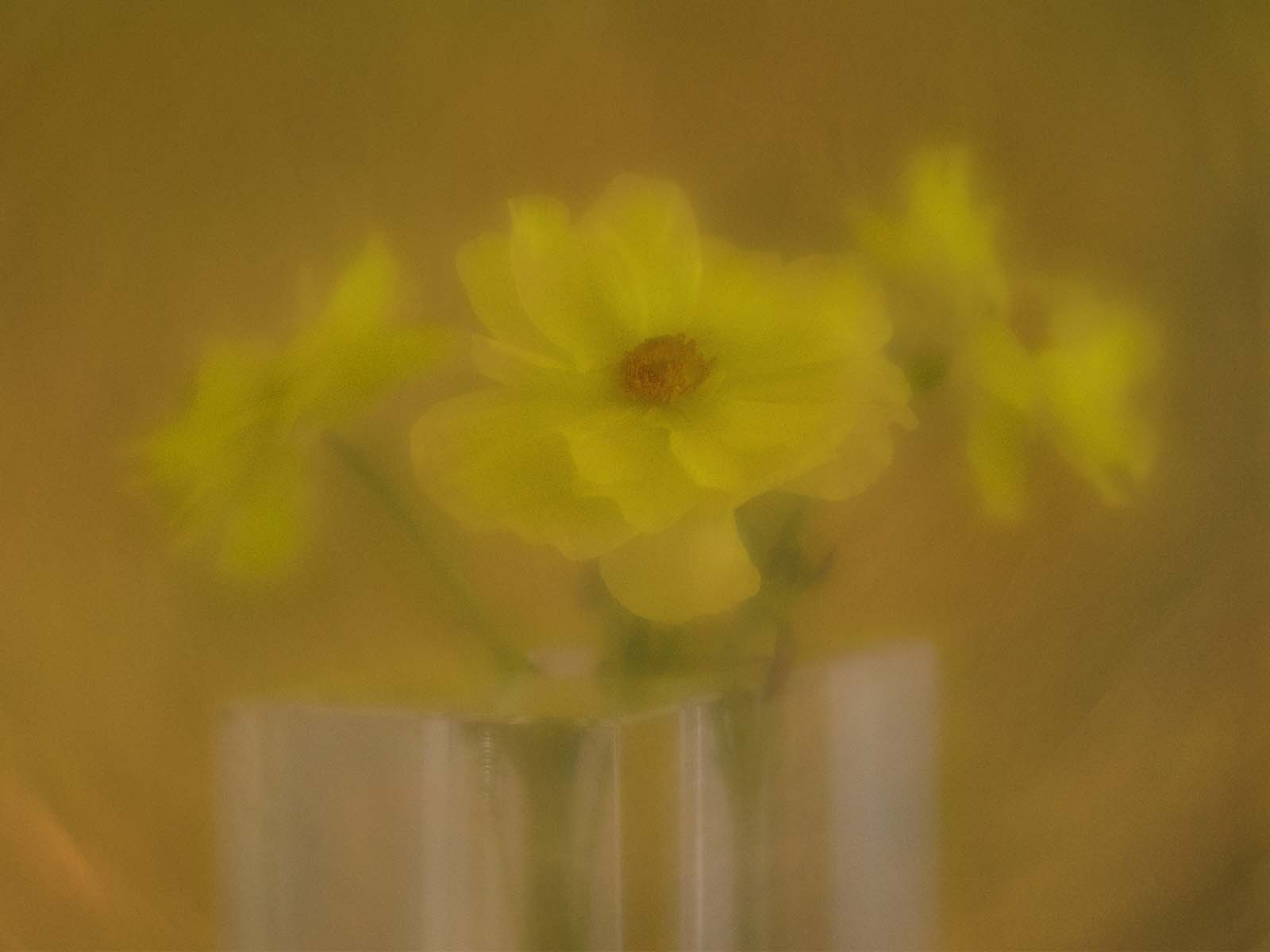
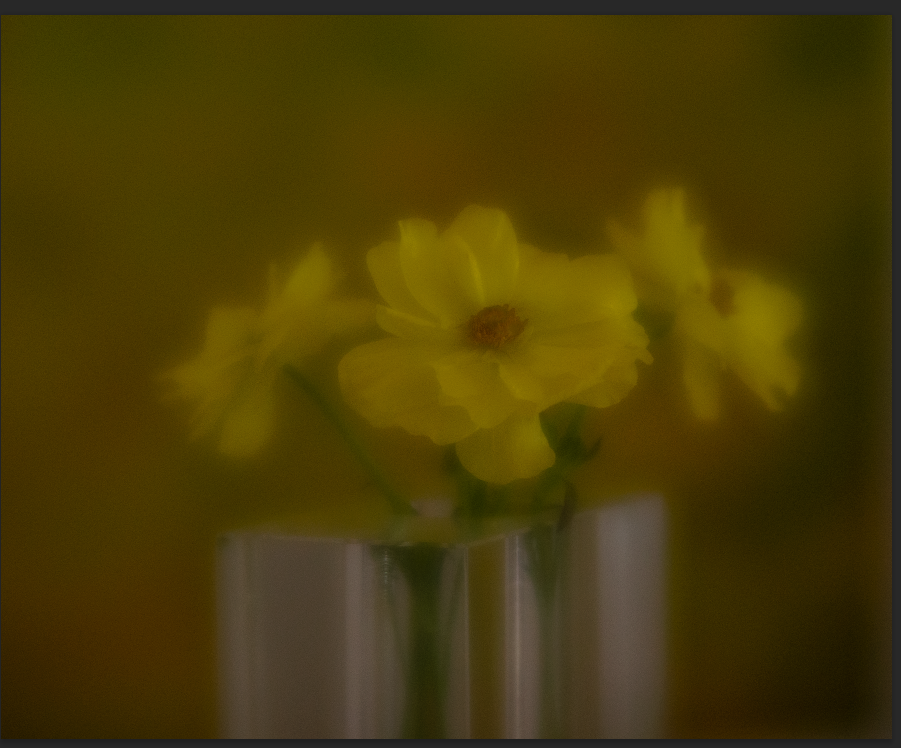
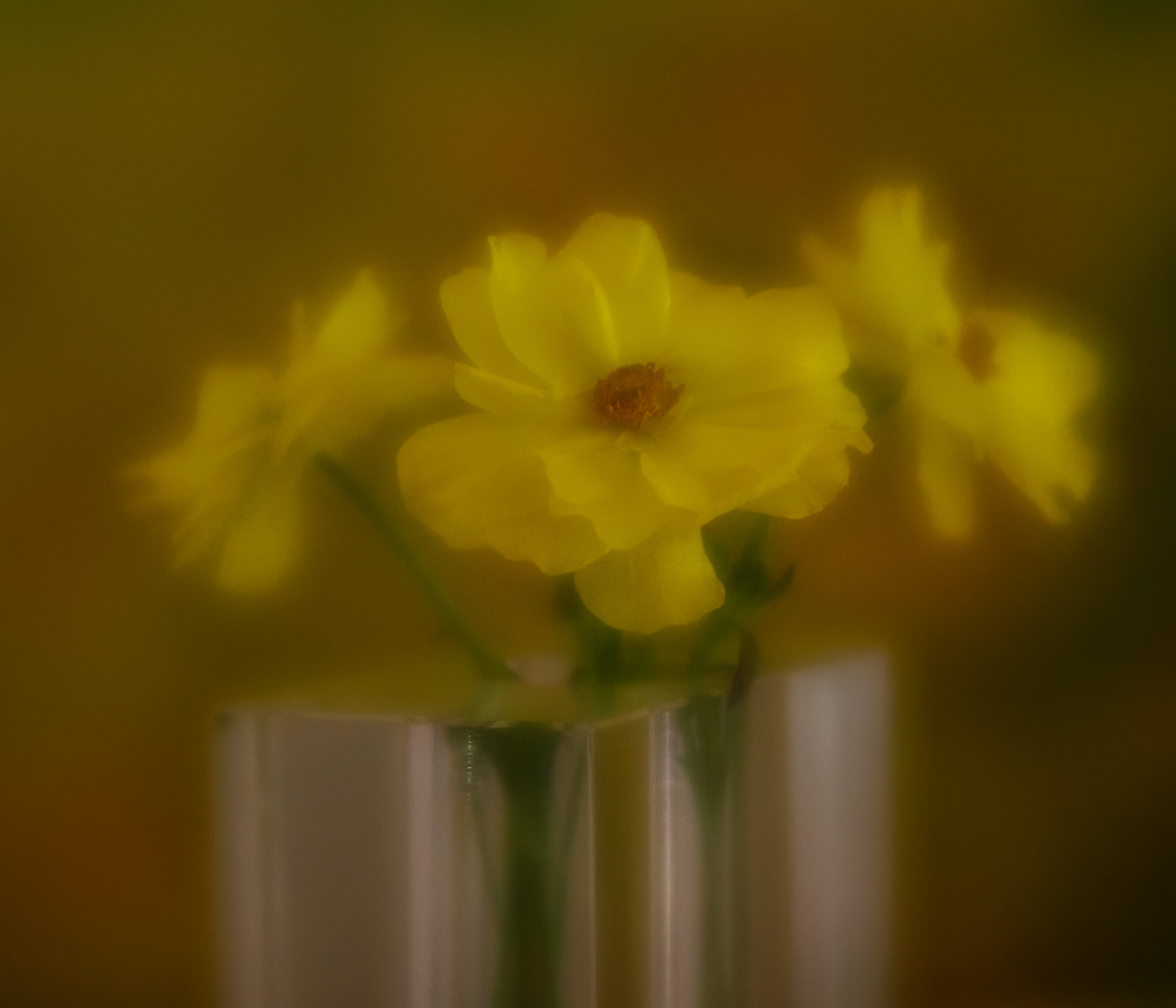
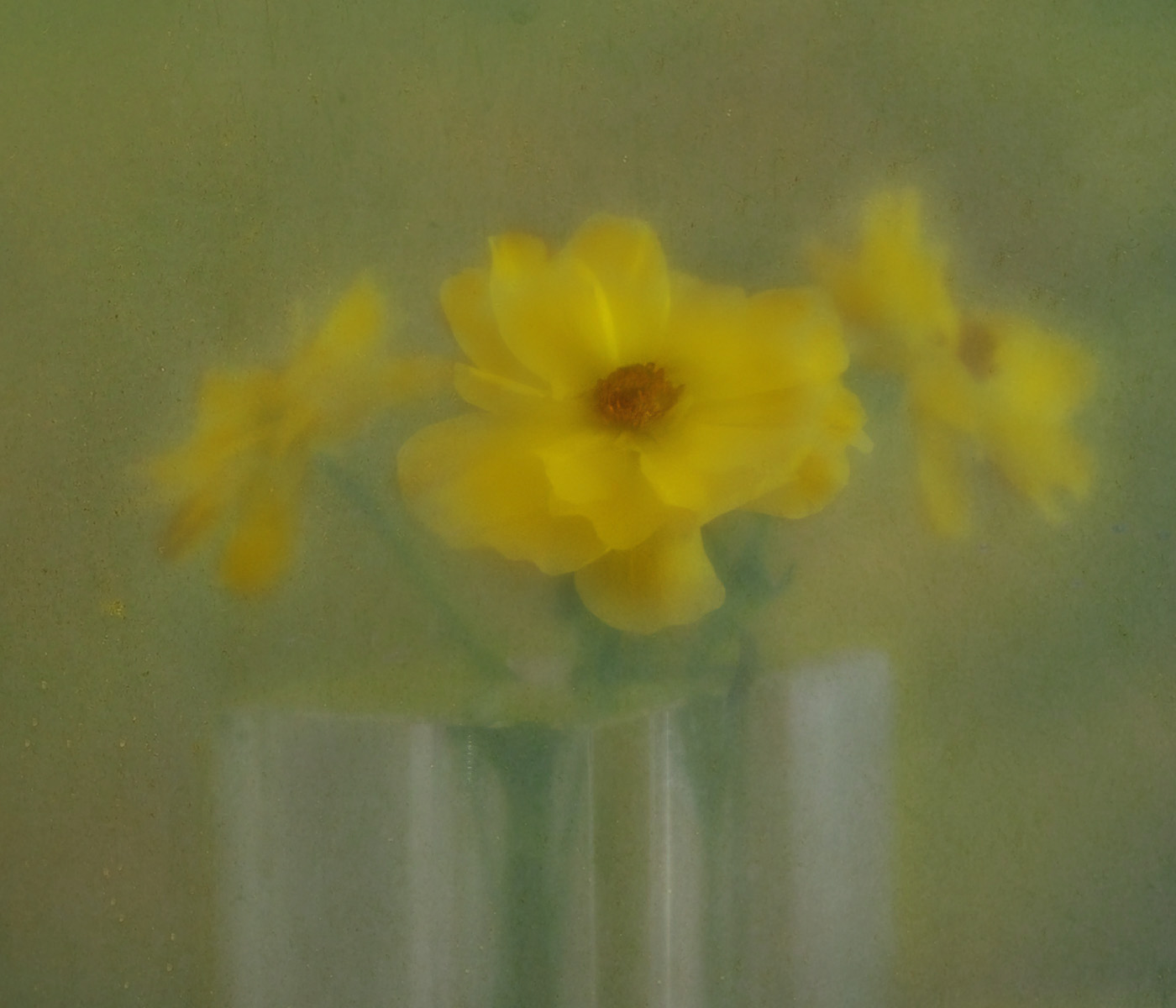
This image -- OMG- I have so many versions of it. I want to make "painterly/impressionistic" flower pictures. This one was taken at home with a colored background, using my LensBaby Velvet 56, at F 5.6. ISO 200, on a tripod. I used a diffuser to keep highlights to a minimum. When you use a LensBaby you have to manually focus and the time of exposure isn't captured so I don't have that information. I did minor adjustments in Lightroom (You can see my Original, third image) then took it into Photoshop. I have this Main image to which I added a pale green texture on top, then I created a mask and painted away at about 86% for the main flower, then less for the other flowers, did some cropping and added some vibrance and lightened the flowers as they were so underexposed. You can also see (second image) another Final Image that I created with a different colored texture, more golden colored. Please offer critiques and I hope you can appreciate that this is not easy :) Thank you.
Meredith Bain
Your image has definitely achieved a mistiness with a combination of lens and post processing Donna. Personally I prefer your Original 2 image which gives more clarity to the front flower in particular, while the overall image remains misty but that is just my personal taste.
In your main image the texture is masterfully applied to give the painterly effect you sought. The vase is well chosen for its ability to be in the background without competing for the viewer's eye.
Nice work.
Posted: 04/11/2026 05:25:00
Donna Sturla
That's funny, because the "original 2 image" is the one straight out of camera before I did anything. I see other people's painterly images, such as Kathleen Clemons, and love them. I'm still trying !!! Posted: 04/11/2026 07:55:17
Bob Legg
Donna, you solved much of your intended because the main image has that very nice image with waterfalls coming over the top edge and also showing in your original. But Bob, you say, That's not intended to be a waterfall. It looks it to me. You could add some more blue or gray color. I just reread your "about image" again, the velvet lens baby has done the painterly effect for you. To enhance, increasing the light slider on the tone curves. I use tone curves often. It allows for adjustment without overexposing. Posted: 04/11/2026 14:02:06
Donna Sturla
Bob, I don't know what tone curves are, can you help me out? Are they in Lightroom? I don't use LR that much and haven't really kept up with some of the recent changes... Thanks for any help you can offer. Posted: 04/13/2026 08:10:11
Bob Legg
In Lightroom classic on the right groupings of adjustment sliders it probably has a closed < and when it's opened there is a graph called "Tone Graph" with 4 sliders. Pick a Raw image that you haven't adjusted yet and see how the sliders adjust. I rarely need to use Contrast and very much Saturation. You can probably find a video by its title on YouTube. Hope this helps Posted: 04/15/2026 00:40:20
Donna Sturla
Oh, my, I didn't know about these sliders. Thank you for the ideas, I must try them. So much to learn. Thank you for your suggestions and help. Posted: 04/16/2026 23:02:59
Doug Wolters
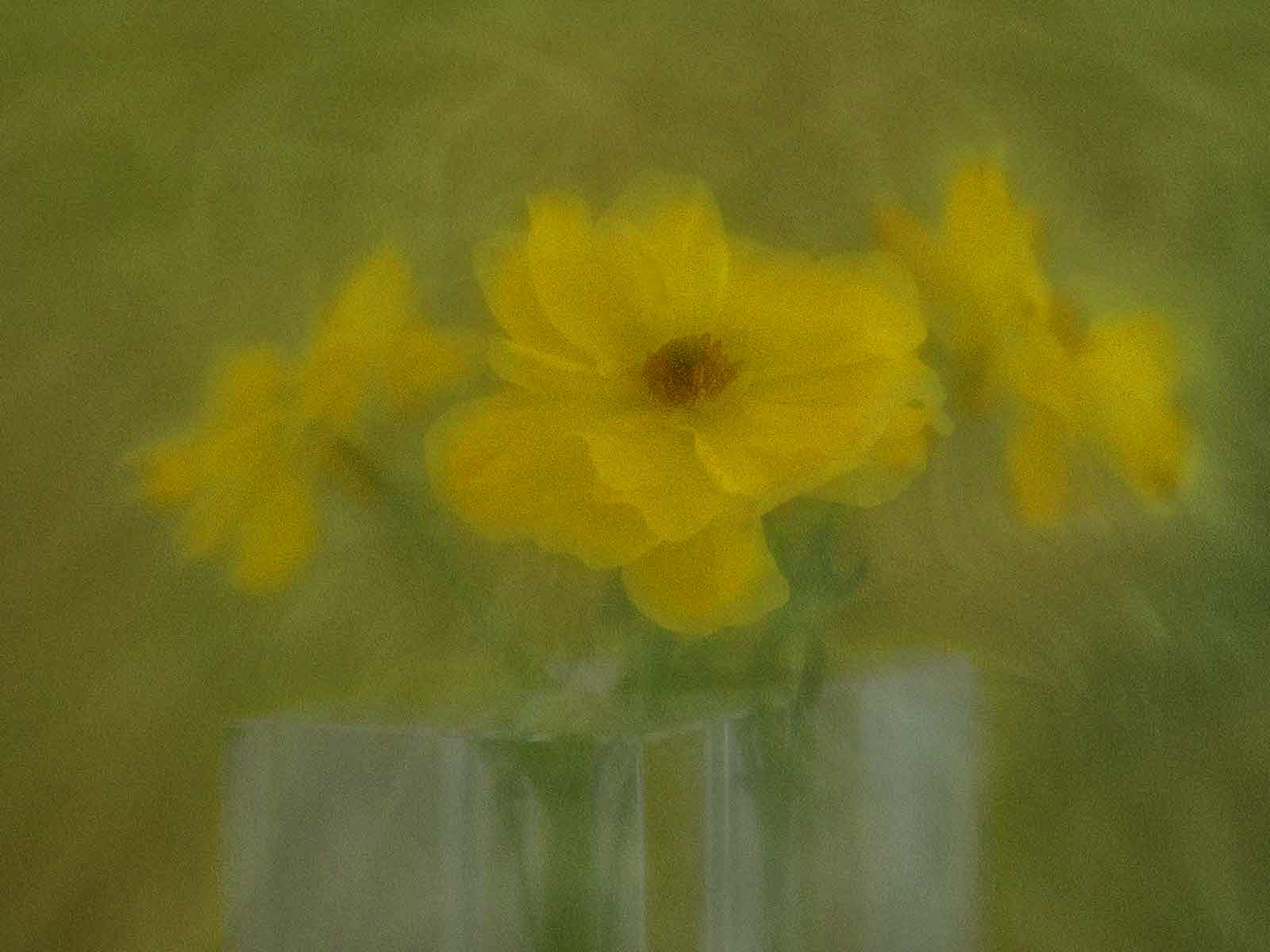
I like the idea a lot. The center flower could be just a bit more in focus for my tastes. What do you think of this?
Posted: 04/12/2026 01:32:40
Donna Sturla
Hard to tell, because it looks really grainy in your version. But I do agree it's not focusing well. I wonder if I need to call LensBaby and find out what to do.
Thank you ! Posted: 04/13/2026 08:13:01

Frans Gunterus
Hi Dona. I like the soft, dreamy feel-it's very atmospheric. But I found my eyes searching for a point of focus. Even a slight sharp detail might help anchor the viewer while keeping that beautiful mood. I am a kind of agree with Dough Wolters comment. Posted: 04/13/2026 01:58:07
Donna Sturla
I'm starting to wonder if my LensBaby isn't focusing properly. It should have a sharp point somewhere, especially since I shot at 5.6 -- I must call them.
Thank you ! Posted: 04/13/2026 08:11:51
Bob Legg
PERHAPS BAD NEWS. From what I understand all lens baby lens DO NOT auto focus. Maybe should start from that view point? Doug W is on this group and he has at least one lensbaby.
Posted: 04/17/2026 01:04:13
Susan Ribeiro
Wow! I love what you are trying to do! I can see why you would have so many versions! You must be having fun with the process. :)
It's difficult to decide which one I like best. I love the "dreaminess" of your final, but I love the warmth of the "original", but I love the colors of the "original 2". I am curious if you have another version of the "original 2", only lighter? I do like that mix of green and orange in the background. Posted: 04/14/2026 15:24:50
Donna Sturla
OMG, Yes, I could try that. That's the original image before I put anything on it texture-wise. So many choices ! Thanks for the suggestion.
Here's another version; my original, brightened and denoised. So many choices.
Posted: 04/16/2026 18:49:38
Susan Ribeiro
What do you think? I like it lighter. I'm glad you tried it. Now, add that wispiness of the green version, leaving that center flower more in focus like Doug suggested... AND if possible, lighten up the right bottom corner a bit. It's a bit too dark - just a touch because I find my eye keeps going back to that corner.
I'm glad you enjoy the process ;)
and try it, only if you want to! lol.
Posted: 04/16/2026 20:04:40
Donna Sturla
Well, here is one more, lightened in the flower and right corner and with the texture added. Also I denoised this one. Thank you for the suggestions, much appreciated. I know my good friend, Lynne Ellyn, who has mastered this, would ask me "Which one do You like best?" and I haven't decided. So many choices !
Posted: 04/16/2026 22:59:07
Susan Ribeiro
I think it has definitely evolved with success, and you sure got to practice a lot! Posted: 04/16/2026 23:33:24